
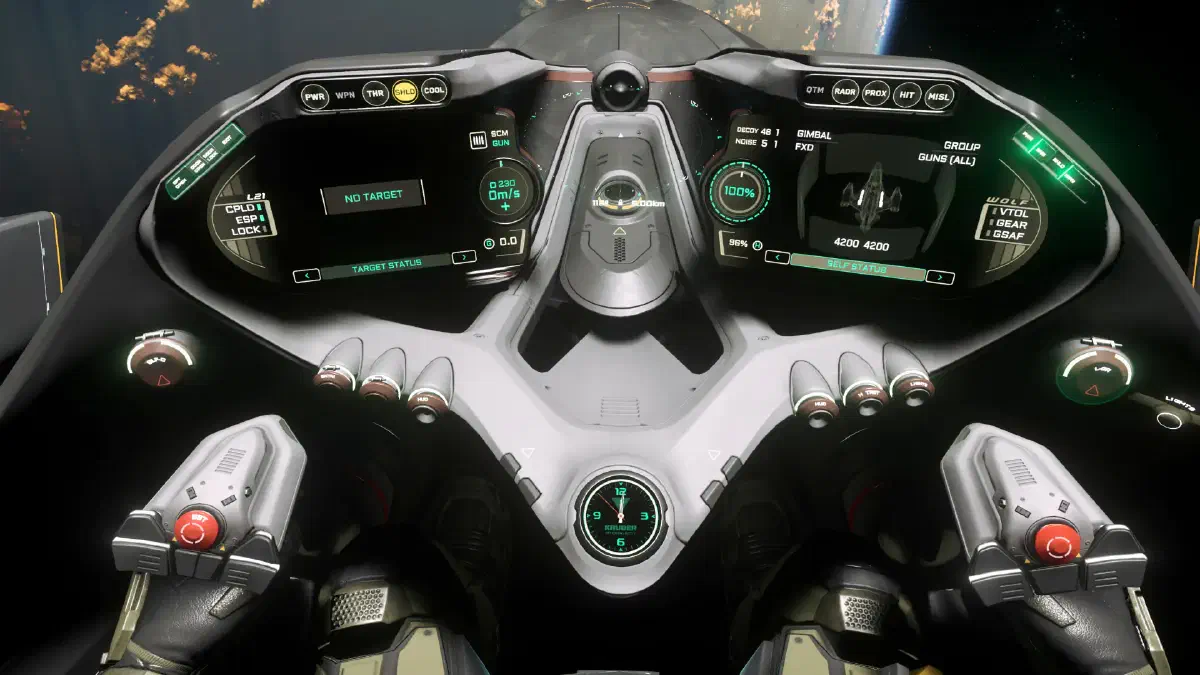
Here I’ll go over a few interesting points to make getting started a little easier for you.
You’ll find the keybindings at the bottom of this page or in the overview of all keybindings.
Quick overview
The short version: once you’ve climbed into your ship and, if needed, taken a seat in the pilot seat with F, you need to:
U– turn on your shipI– turn on your enginesL-Alt+N– request takeoff or landing clearance and open the hangarSpace– your ship lifts offN– retract the landing gear
Before you retract your landing gear, your ship moves slowly, but as soon as it’s up, you have full speed available. Try not to scrape the hangar walls.
You control rotation with the mouse, movement with W A S D, up with Space and down with Ctrl.
Interacting with the cockpit
Hold F and you can look around the cockpit with your mouse and press all the buttons and switches. That’s also how you operate your multifunction displays (MFDs).
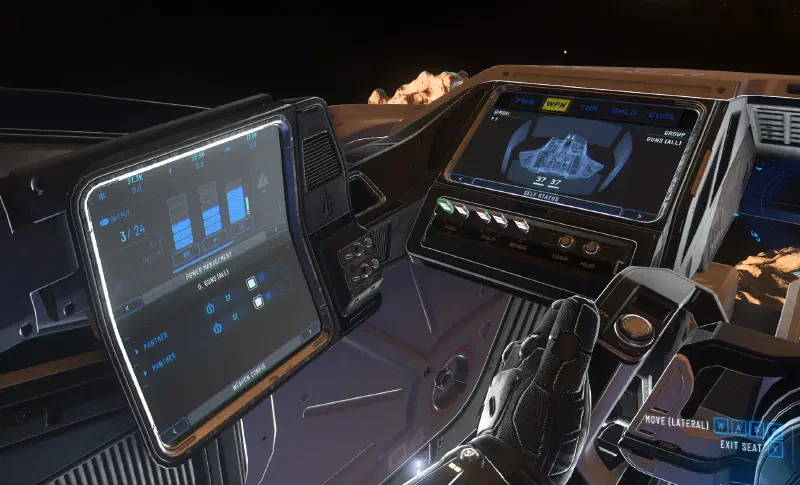
At the bottom of each one, you can click through all available MFDs with the arrows. From power distribution and your own and enemy ship status to detailed settings for the ship’s systems, you can view and adjust everything here.
Action menu
Just like with character controls, the action menu is available here too. Press L-Alt + F to open it.
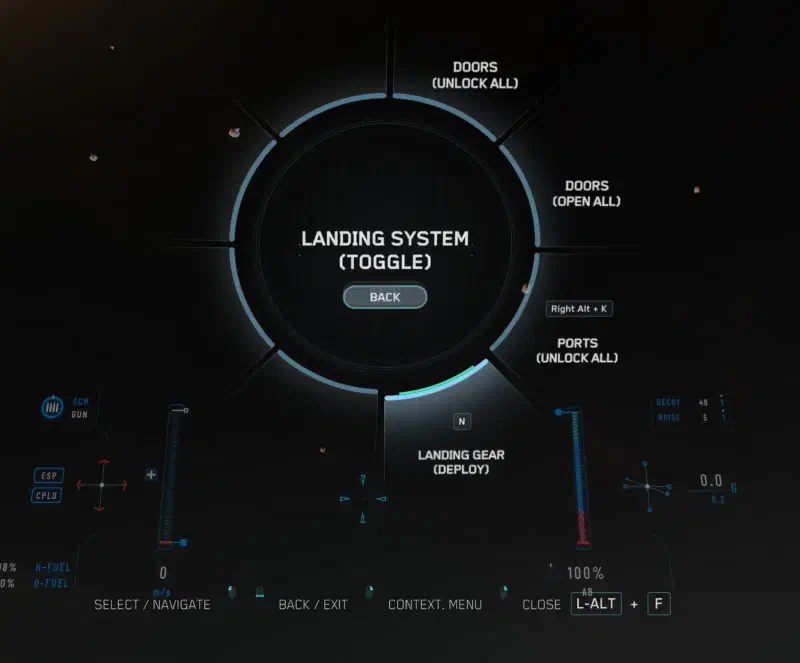
So if you ever don’t know a key combination, try this. Here you’ll find every action and can perform it. The key combination is also shown next to each action for next time.
Master modes
Every ship has two main flight modes, each with three sub-modes. The active mode is shown in the ship’s HUD.
SCM mode
Space Combat Maneuvering mode
You use this mode in combat or when you’re taking off or approaching your destination.
Your maximum speed is limited, while weapons, shields and countermeasures are active. You have maximum maneuverability.
Use the middle mouse button to switch between the sub-modes.
SCM GUN
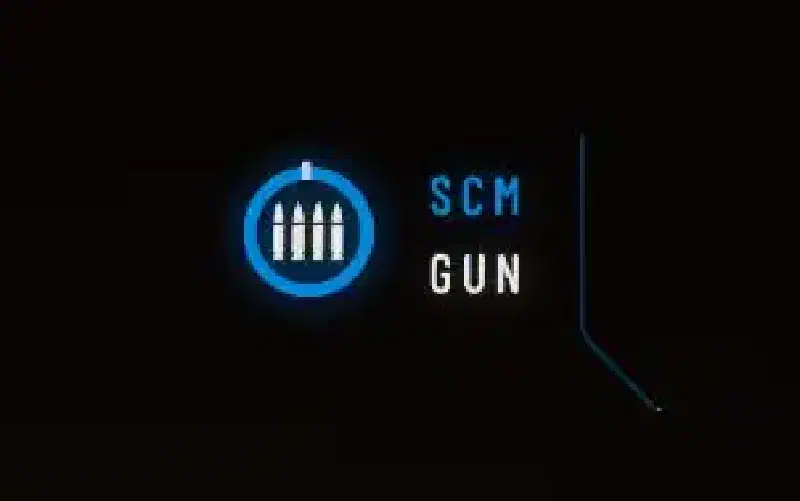
Default mode. Use the Mouse wheel to switch between fire groups and the left mouse button to fire the active fire group.
You also set which weapons belong to which fire group in the corresponding MFD.
SCM MSL
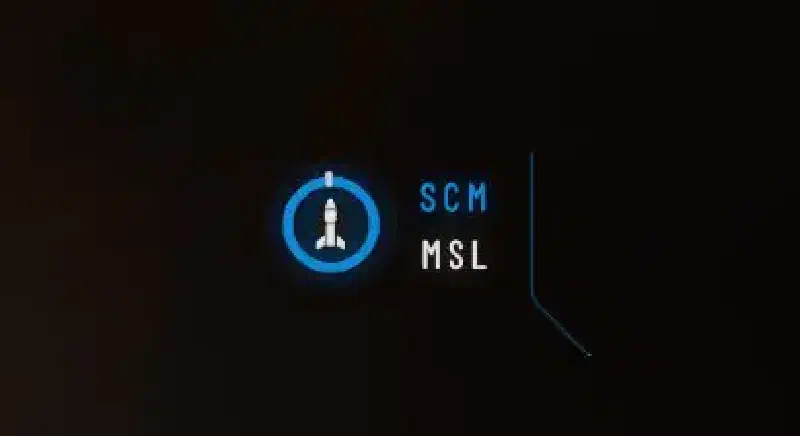
Missile mode
Use the Mouse wheel to switch between the available missiles and G to change how many missiles to fire. As soon as the missiles are loaded and your target is locked, fire them with the left mouse button.
SCM SCN
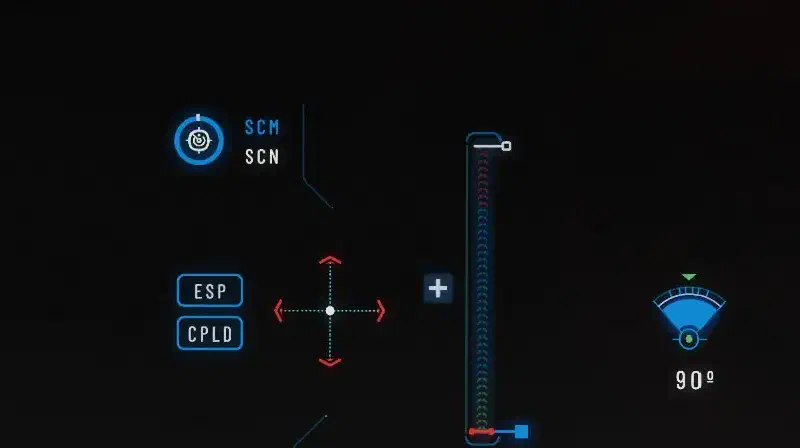
Scanning mode
Here you can set your scan angle with the Mouse wheel and scan your surroundings.
Quantum drive / NAV mode
Holding down the B key puts you into navigation mode. That unlocks a much higher maximum speed. In return, your maneuverability is much worse.
Your shields, weapons and countermeasures are also turned off.
NAV QT
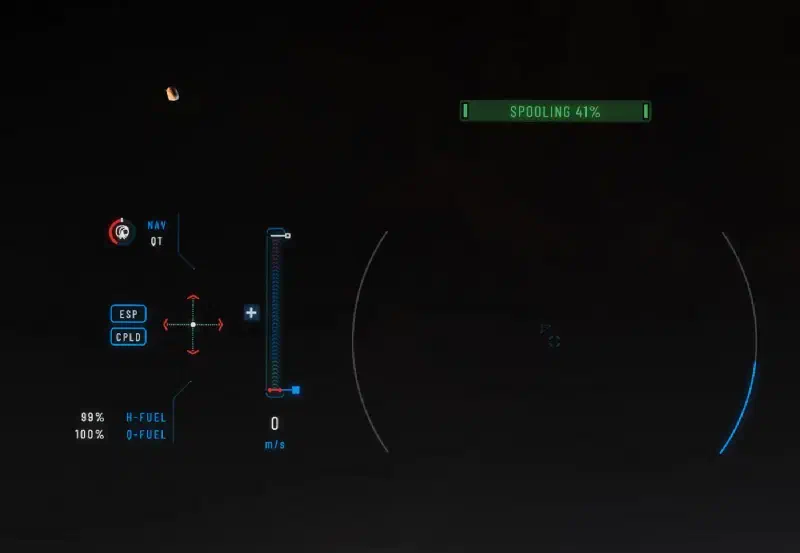
Quantum travel mode
As soon as you switch to NAV mode, weapons and shields go off and the quantum drive spools up. When the gauges on the right and at the top (and the ring on the left of the NAV QT icon) are full, the quantum drive is ready. Then your maximum speed is much higher, and in the QT sub-mode you can now target destinations in the universe and jump to them quickly.
NAV FLT
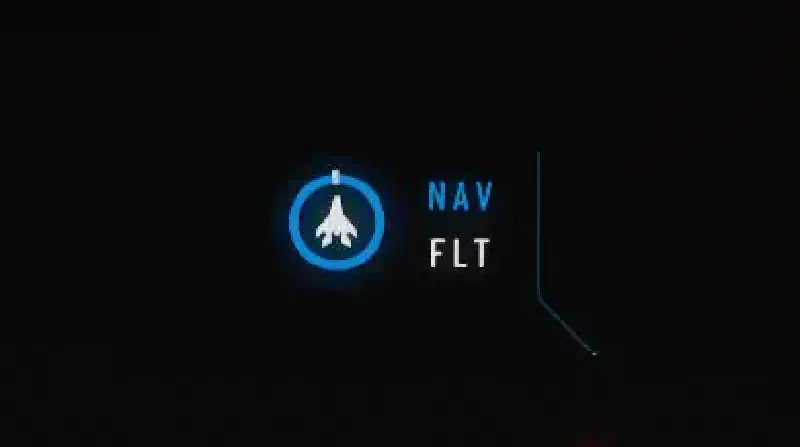
This mode hides the jump destination markers, so you can enjoy the benefits of NAV mode without cluttering your HUD.
NAV SCN
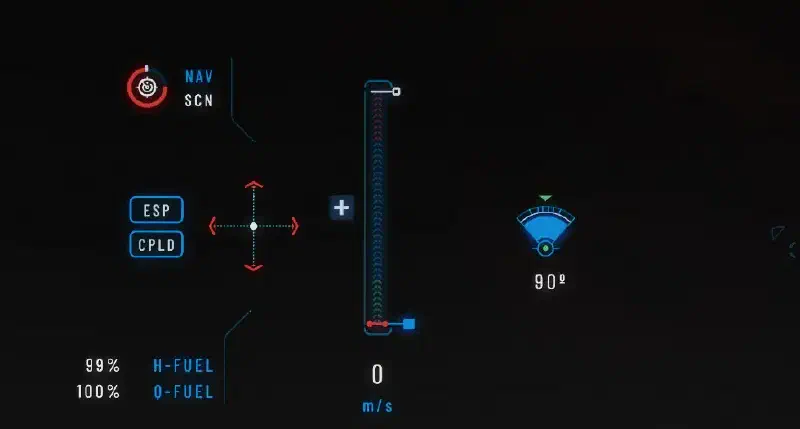
The same as SCM SCN mode, just faster.
Outlook
CIG is constantly working on adjusting the flight model. It has already been announced that this strict separation of flight modes will soon be history and that we’ll get a new model. But CIG hasn’t said anything yet about when that will be.
Keybindings
Basics
| Key(s) | Action |
|---|---|
U | Toggle ship power |
I | Toggle engines |
O | Toggle shields |
P | Toggle weapons |
W / S | Forward / back |
A / D | Strafe left / right |
Q / E | Roll |
X | Brake |
L | Toggle lights |
R-Alt + L | Turn on night vision |
L-Alt + N | Request takeoff or landing clearance. Opens the hangar for your ship |
L-Alt + C | Cruise control - set target speed with W and S |
L-Alt + F | Open action menu |
N | Extend or retract landing gear |
L-Shift | Activate afterburner |
Tab | Scan pulse |
K | VTOL mode |
C | Toggle coupled mode |
B ⇓ | Change flight mode: SCM and quantum mode |
R-Alt + K | Open component ports |
Middle mouse button | Change sub-mode: combat mode, missile mode and scanning mode |
Y | Get out of the seat |
R-Alt + Y | Activate ejection seat |
Mouse wheel ⭥ | In scanning mode: Adjust scan range |
Left click ⇓ | In quantum mode: Start or stop quantum travel |
R | In map view: Set route to the currently selected marker. |
⇓ - hold
⭥ - scroll
Combat
| Key(s) | Action |
|---|---|
Mouse wheel ⭥ | Change weapon group |
Left click | Fire weapon group |
Right click | Activate precision mode |
H | Launch decoys to fend off missiles |
J | Launch chaff to disappear from the enemy’s radar |
G | Gimbal mode |
T | Target what’s in front of you |
5 | Cycle through hostile targets |
L-Alt + 5 | Target the nearest hostile |
Middle mouse button | Change sub-mode: combat mode, missile mode and scanning mode |
Mouse wheel ⭥ | In missile mode: Change missiles |
G | In missile mode: Change number of missiles |
Left click | In missile mode: Fire selected missiles |
F5 | Increase power to weapons |
F6 | Increase power to engines |
F7 | Increase power to shields |
F8 | Reset power |
⭥ - scroll