
Requirements
Star Citizen isn’t an undemanding game. So before you get started, you should take a quick look at whether your computer is up to it.
These are CIG’s official minimum requirements:
- Operating system: Windows 10 (64-bit), at least with the Anniversary Update
- Graphics card: DirectX 12 with 4 GB of VRAM
- Processor: quad-core with AVX instructions (Intel from Sandy Bridge, AMD from Bulldozer)
- Memory: 16 GB of RAM
- Storage: at least 150 GB on an SSD
To be honest: With that the game starts, but that’s about it. If you really want to enjoy Star Citizen, your computer should offer quite a bit more:
- Storage: about 150 GB of free space, and on an SSD. It’s strongly recommended, according to CIG it’s even required
- Memory: 32 GB of RAM is strongly recommended, so twice the official minimum
- Processor: as recent as possible, since the game is very CPU-heavy at the moment
If you want to see how Star Citizen performs with different hardware, take a look at RSI’s telemetry page. There you can see which combination of CPU and graphics card manages how many frames per second.
Launcher
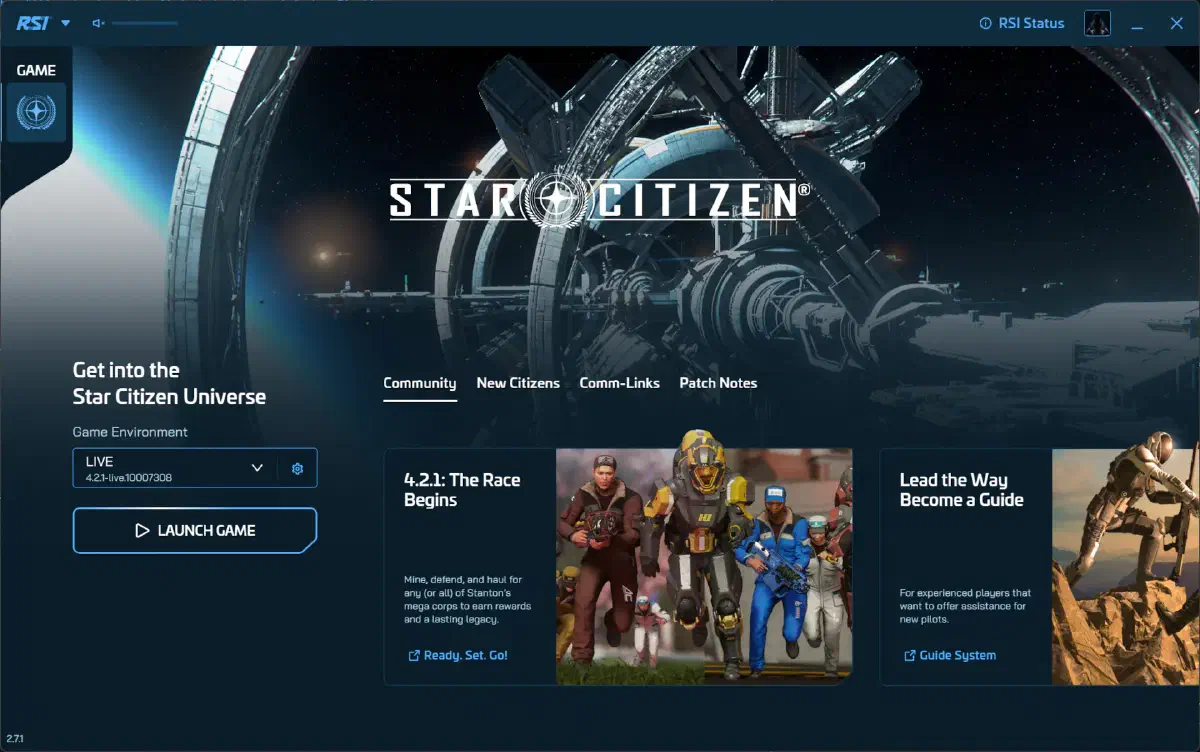
Once the game package of your choice is in your hangar, it takes three steps to get into the game:
- 1
Download the launcher
Download the RSI Launcher and install it. - 2
Log in
Log into the launcher with your RSI account. - 3
Start the LIVE version
Start the LIVE version of the game in the launcher.
If the launcher shows you a message like “Missing a Game Package”, something usually isn’t right with the purchase or the account view. Then take another look at your account on the RSI website under My Hangar, or wait a few minutes for the order to go through.
Controllers
You can use all kinds of input devices to fly your spaceships: joysticks, throttles, pedals, controllers or just mouse and keyboard. You’ll find a short overview of input devices in a separate article.