
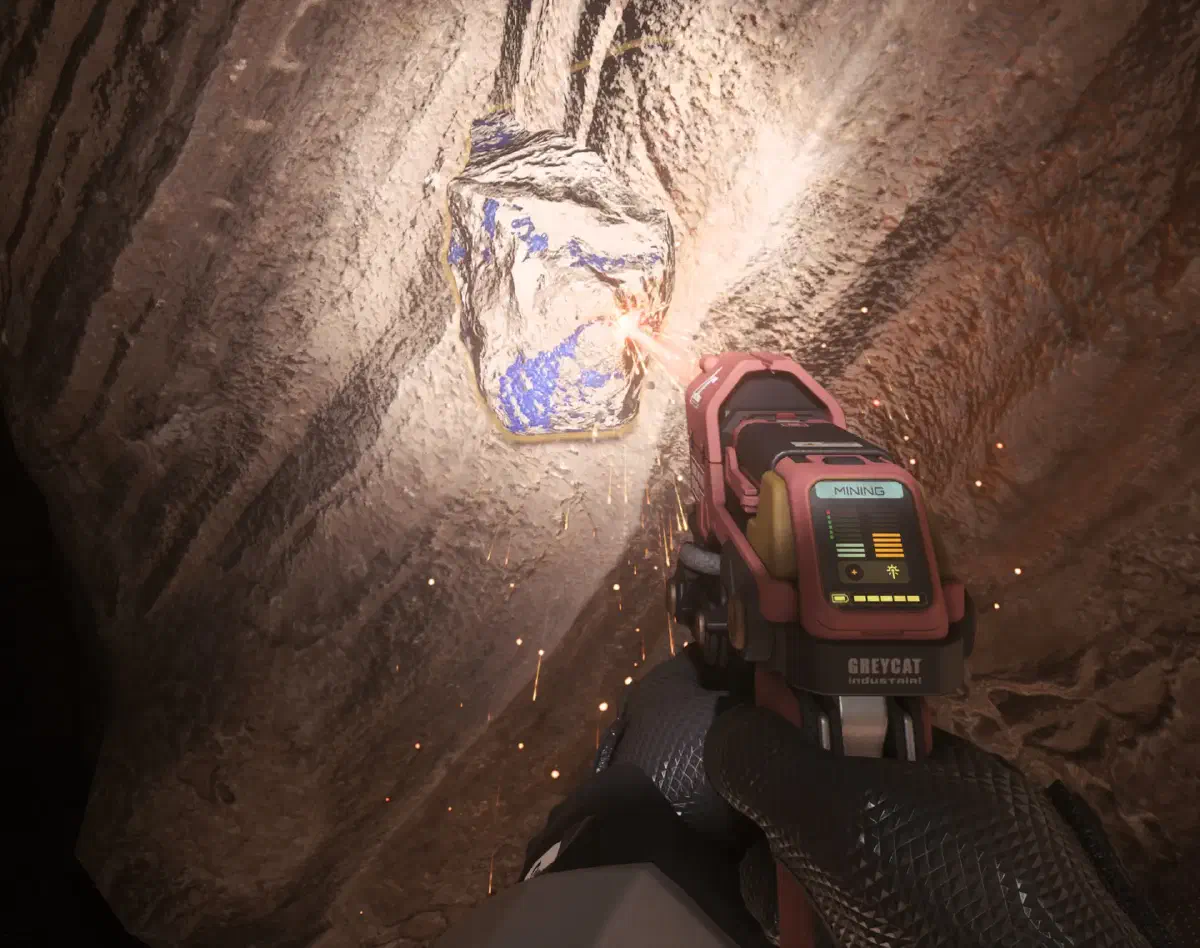
The type of mining with the lowest investment. That makes it especially well suited for beginners.
Requirements
To get started with mining, you only need three things:
- The GreyCat Pyro RYT Multi-Tool to mine the rocks.
- The OreBit Mining Attachment to turn the Multi-Tool into a mining tool.
- A backpack for the treasures you find.
To be able to equip a backpack, you also need to be wearing armor. The bigger the backpack, the heavier the armor has to be. The backpacks’ tooltips show you the exact requirements.
To carry as many gems as possible at once, I recommend any heavy armor. That lets you use even the biggest backpacks.
Optional but recommended: a few bottles of water and a weapon, in case you run into wild Kopions.
Where do you find gems?
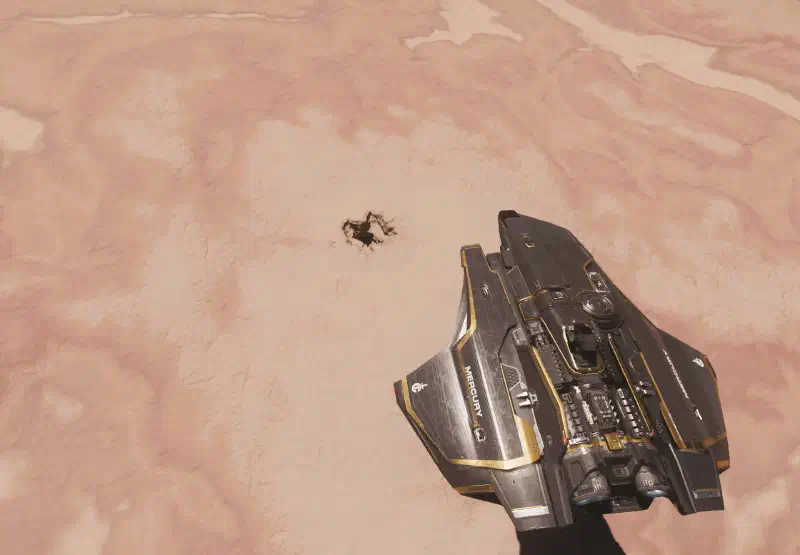
Gem deposits are mainly found in caves on various planets. To find one, you can either look for marked caves on the map, for example the Kudre Ore Mine on Daymar. But since this cave is marked on the map, you may well run into other players there.
Alternatively, you simply scan the planet yourself. The radar now detects caves too, so you can fly low over the surface and look for your own spots. It takes a bit longer, but you’re usually alone there.
What can you mine?
Once you’ve arrived at the cave of your choice, go inside and look for mining rocks like these.
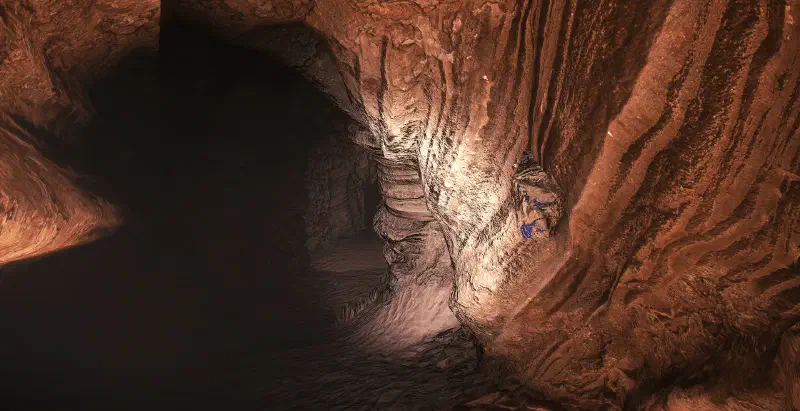
There are several kinds you can find in the world.
| Name | Color | Info |
|---|---|---|
| Janalite | Yellow | Very rare and valuable. Found in sand caves. About 15,000 aUEC. |
| Hadanite | Pink | About 600 aUEC |
| Aphorite | Blue | About 230 aUEC |
| Dolivine | Green | About 160 aUEC |
How it works
When you’re standing in front of a deposit, equip your Multi-Tool with 5 and, if you haven’t already, fit the OreBit attachment.
Point your Multi-Tool at the deposit and scan it. After a short wait, your tool shows the name of the gems and more info about the deposit.
Fracturing the deposit
With Left click you now start fracturing the deposit to get at the valuable gems. Use the L-Alt key and your Mouse wheel to set your Multi-Tool’s power.
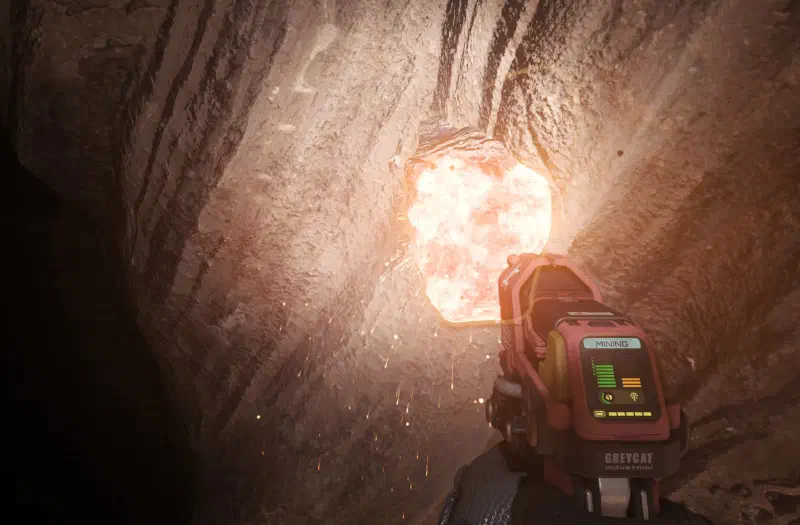
You can see your tool’s power output in orange on the right of the display. On the left you see the energy in the deposit itself. Your goal is to keep this energy in the green zone until the round gauge at the bottom fills up completely.
If you stay below the green zone, the rock never breaks. If you’re too high and in the red zone, the rock explodes after a short time and injures you or even kills you. The gems are gone afterwards too.
If you keep the energy in the green zone long enough, the rock bursts open and releases its loot.
Collecting the gems
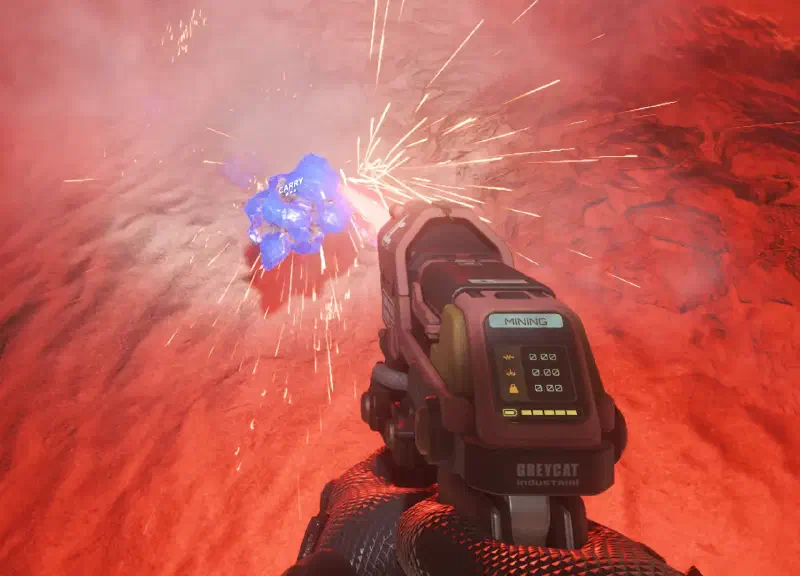
Now activate your collection laser with Right click and aim it at the gems. They get sucked up and land in your backpack. Alternatively, you can also walk up to the gem and pick it up by hand with F.
Selling
With your backpack full of gems, head to a space station and go to the Admin there. You can sell the gems directly, without refining them first like with ship mining. At the admin terminal, select your backpack as the location, mark the gems you want to sell and sell them at the price shown.
Congratulations on your profit! Off to the next cave.
More tips
- Take some provisions along, ideally several bottles of CRUZ Lux. They quench your thirst and your hunger at the same time.
- If you’re planning a longer mining trip, take a StoreAll container for your ship. Then you can empty your full backpack there and keep searching for new resources.
- There are sometimes wild animals or armed enemies in the caves. Take a weapon along to protect yourself.
- Sometimes you also run into other players there who might fight you for your loot. Stay alert and keep an eye out for ships next to the cave.
Keybindings
| Key(s) | Action |
|---|---|
5 | Equip Multi-Tool |
J | View the Multi-Tool’s attachments and change them with the mouse and mouse wheel |
Left click | Activate mining laser |
L-Alt + Mouse wheel ⭥ | Adjust laser power |
Right click ⇓ | Collect gems |
⭥ - scroll
⇓ - hold
Show all keybindings