
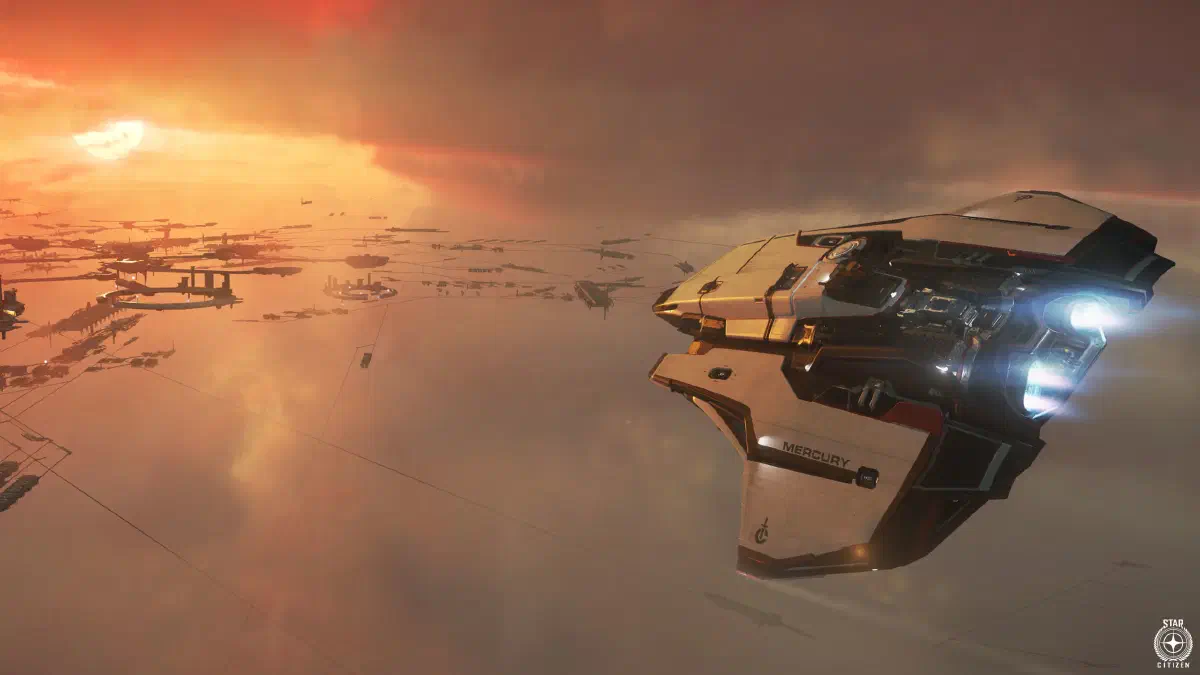
Hauling missions are an ideal way in for everyone who wants to take things a bit easier and still earn aUEC reliably. Basically, it’s about getting cargo from one place to another, usually on behalf of a company or an organization.
Missions
You’ll find the contracts in the mission menu of your mobiGlas. Open it with F1 as usual and look for Hauling. The missions mainly differ in size and number of stops: sometimes you just carry a few boxes from one station to the next, sometimes a whole load of containers between distant planets.
Missions with several stops are especially lucrative. But the risk of running into trouble along the way goes up too.
The biggest challenge is rarely the flying itself, but security and efficient planning. On busy routes, pirates or PvP players may try to intercept your cargo. Most newcomers start with small freighters like the Drake Cutlass Black or the MISC Freelancer, but even those can become targets of raids. So if you play alone, you should always stay alert and keep an eye on your surroundings.
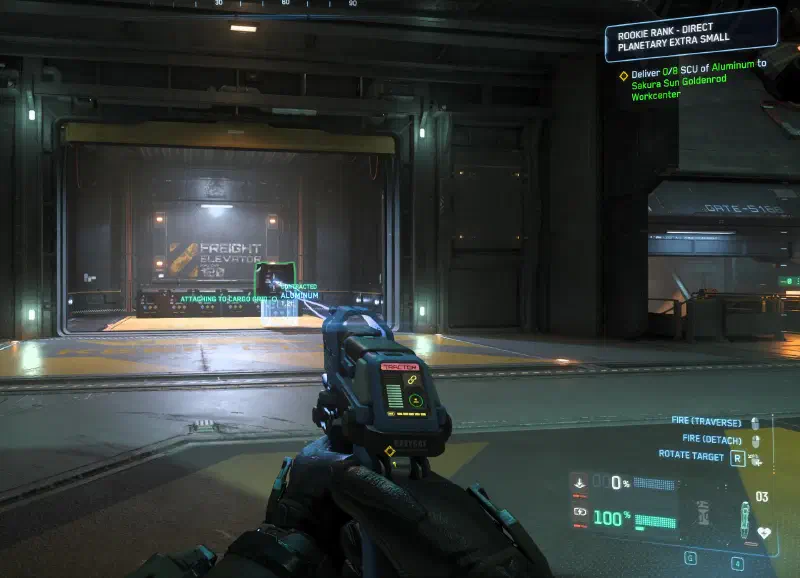
The cargo from these missions is marked as Contracted. That lowers the value of the goods considerably, so a raid on a ship like that is hardly worth it. The same goes for the hauler trying to make off with it.
Requirements
One advantage of hauling missions is how accessible they are. You don’t need any special training or complex equipment, just a ship with a cargo hold. If you don’t have enough aUEC to buy a big ship, you can also rent one for a day or two.
How it works
Once you’ve accepted a mission, the goods are in the local inventory of the pickup location. So first of all, head there.
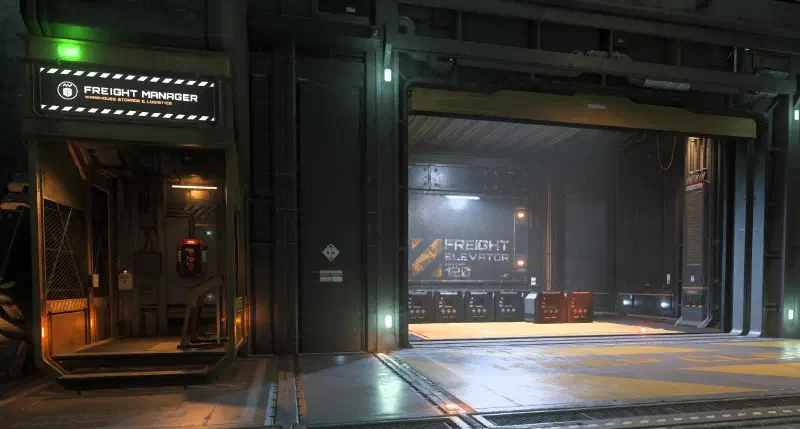
In the hangar at that location, bring the boxes up with the freight elevator and load them into your ship.
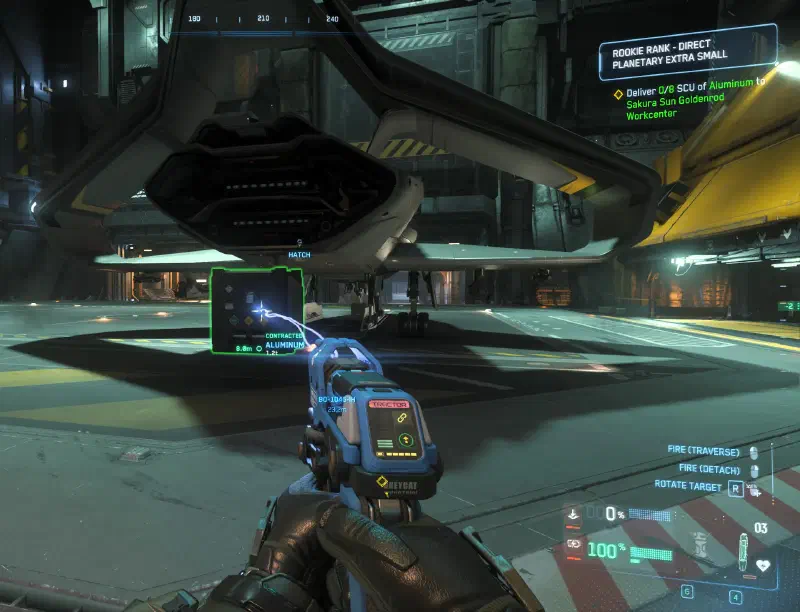
For that you need either a hand tractor beam like the Multi-Tool or the MaxLift, an ARGO ATLS, or your ship’s tractor beam if it has one.
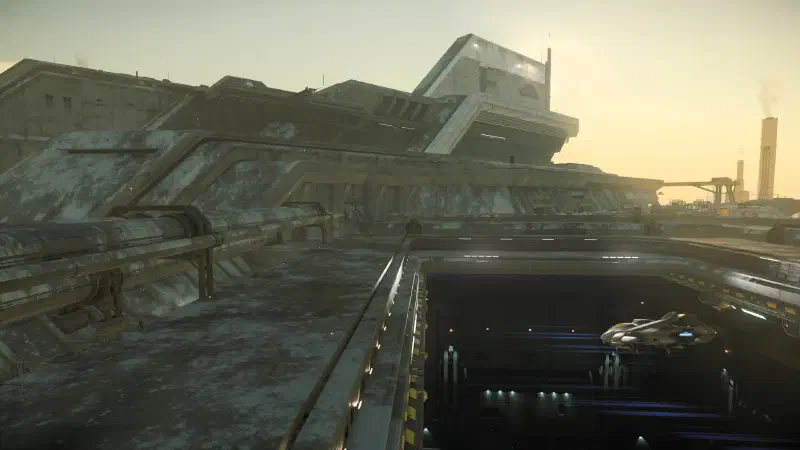
Then you set off for the destination and land there.
Once you’ve made it, load the cargo back into the freight elevator and send it down. That completes your delivery and fulfills the contract.
Some missions take you to different delivery points. Or you accept several missions with identical pickup or delivery stations. Try to load the boxes so that the boxes for one contract or one destination stand together. That saves you guessing on arrival which box needs to be unloaded and which doesn’t.
If you’ve sent the wrong boxes down with the freight elevator, you can easily bring them back up and load them again. It can cost you a lot of time, though.
In a nutshell
Hauling missions are a good way to get used to navigating the universe. Along the way you get to know jump points, quantum points, space stations and landing procedures without getting dragged straight into heavy fighting. At the same time, you earn your first aUEC and lay the groundwork for bigger ventures later on.
Even if hauling is less exciting than bounty hunting, hauling missions have their firm place in the game: they’re reliable, beginner-friendly and form a solid basis for building up capital for more complex careers or bigger ships.
And who hasn’t dreamed of being a space trucker?
Tips
- Pay attention to your cargo hold and the container sizes given in the mission description. Sometimes certain containers won’t fit even though you have enough cargo space.
- Use tools like SC Cargo Space for that.
- If you’ve accepted a mission you can’t finish in one go, just turn it into several trips.
- Rent a bigger ship until you can afford to buy one.
- Many missions have the same start or end point. Combine deliveries to maximize your profit.
- Separate the goods by destination. That way you don’t have to sort them on site.
- Avoid empty flights. Always check whether you can take something along on your way to the ground station or ship dealer if you have cargo space free.
Keybindings
| Key(s) | Action |
|---|---|
U | Toggle ship power |
I | Toggle engines |
O | Toggle shields |
P | Toggle weapons |
W / S | Forward / back |
A / D | Strafe left / right |
Q / E | Roll |
X | Brake |
L | Toggle lights |
R-Alt + L | Turn on night vision |
L-Alt + N | Request takeoff or landing clearance. Opens the hangar for your ship |
L-Alt + C | Cruise control - set target speed with W and S |
L-Alt + F | Open action menu |
N | Extend or retract landing gear |
L-Shift | Activate afterburner |
Tab | Scan pulse |
K | VTOL mode |
C | Toggle coupled mode |
B ⇓ | Change flight mode: SCM and quantum mode |
R-Alt + K | Open component ports |
Middle mouse button | Change sub-mode: combat mode, missile mode and scanning mode |
Y | Get out of the seat |
R-Alt + Y | Activate ejection seat |
Mouse wheel ⭥ | In scanning mode: Adjust scan range |
Left click ⇓ | In quantum mode: Start or stop quantum travel |
R | In map view: Set route to the currently selected marker. |
⇓ - hold
⭥ - scroll
Show all keybindings