
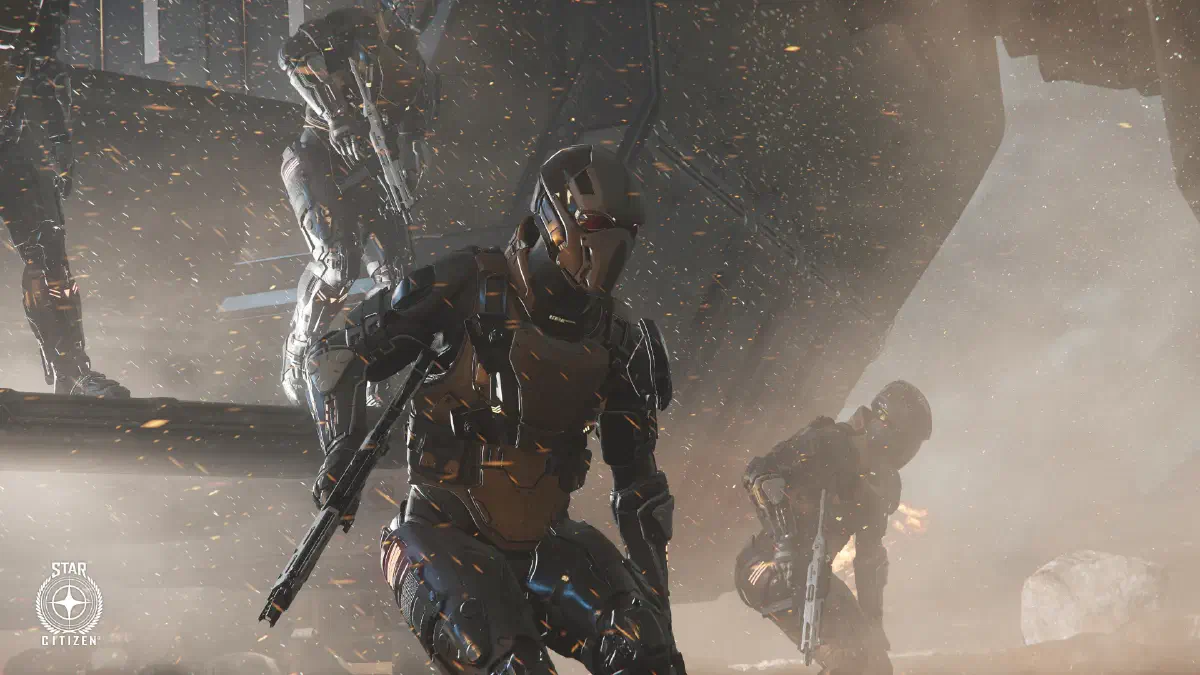
The mercenary is one of the most versatile careers in Star Citizen and is a good fit for everyone who likes direct combat but isn’t necessarily after ship combat like in bounty hunting. At its core, it means: you offer yourself as armed backup, whether for a security company, a corporation or a rather shady employer.
Missions
You’ll find missions for mercenaries in the contract system under Mercenary.
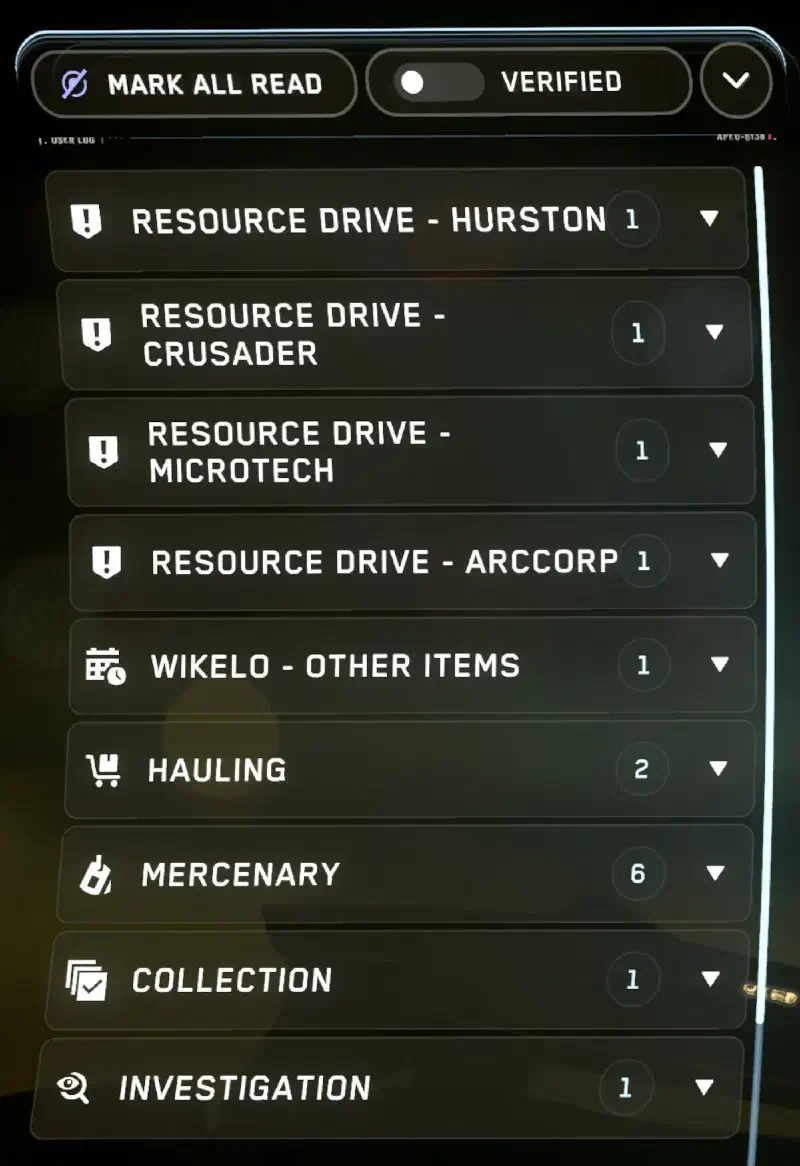
They range from small odd jobs and fending off pirate attacks all the way to ground operations where you have to secure facilities or take out enemy troops. The further you work your way up, the more complex the tasks get: bigger battles, coordinated attacks or supporting NPC troops on the ground.
Unlike bounty hunting, the goal as a mercenary isn’t necessarily to track down one specific person. Instead, you often find yourself right in the middle of battles, whether in space or on the ground.
Equipment
When it comes to ships, you should have something that can defend itself, because every now and then you’ll have to deal with other fighters too. For pure ground missions, though, your ship is mainly a means of transport. What matters then is your personal equipment: the standard kit includes armor, a weapon and a few MedPens. For certain missions you’ll also need a hacking tool to hack computers in the target area.
Reputation and factions
As in almost every career, your reputation plays a role here too. If you regularly complete contracts for a particular faction, your chances of better-paid and more exciting missions go up.
You’ll have to think about whose side you’re on: working for a corporation can open the doors to legal contracts. Pirate factions, on the other hand, sometimes pay better, but make you interesting to bounty hunters.
In a nutshell
The mercenary career gives you an enormous range: from small, quick contracts in between all the way to big battles where you fight side by side with NPCs or real players. It’s less predictable than other careers, but that’s exactly what makes it so exciting and one of the core elements of Star Citizen.
Controls
General
| Key(s) | Action |
|---|---|
Y | Get up from a bed etc. |
W A S D | Movement keys |
Q / E | Lean left / right |
Ctrl | Go prone, get up |
C | Crouch, stand up |
F | Primary interaction |
F ⇊ | Secondary interaction |
F ⇓ | Show interaction menu |
L-Shift | Sprint |
Mouse wheel ⭥ | Adjust walking speed |
L-Alt + H | Take off or put on helmet |
L-Alt + X | Wipe helmet visor |
L-Alt + F | Open action menu |
F1 | Open mobiGlas |
F2 | Open mobiGlas and show map |
F4 | Change camera view |
T | Flashlight |
F12 | Toggle chat |
⇊ - double tap
⇓ - hold
⭥ - scroll
Combat
| Key(s) | Action |
|---|---|
1 / 2 | Draw primary or secondary weapon |
3 | Pistol or MedGun |
4 | MedPen |
5 | Multi-Tool |
6 | Fists up |
G | Grenades |
Left click ⇓ / Right click ⇓ | Pull the pin and hold the grenade |
Left click ↑ | Throw grenade |
Right click ↑ | Roll grenade |
Middle mouse button | Melee attack |
V | Equip knife |
L-Alt + R | Lower held weapon |
R ⇓ | Holster equipped item |
Right click ⇓ | With weapon equipped: ADS or zoom |
L-Shift ⇓ | While zoomed: Hold breath to steady the crosshair |
R | Reload with a new magazine |
L-Alt + 1 | Refill half-empty magazines |
J | View and change weapon attachments |
B | Change fire mode, depending on the weapon between full auto, semi-auto or burst |
U | Activate underbarrel item, like flashlights or laser pointers |
⇓ - hold ↑ - release
Show all keybindings