
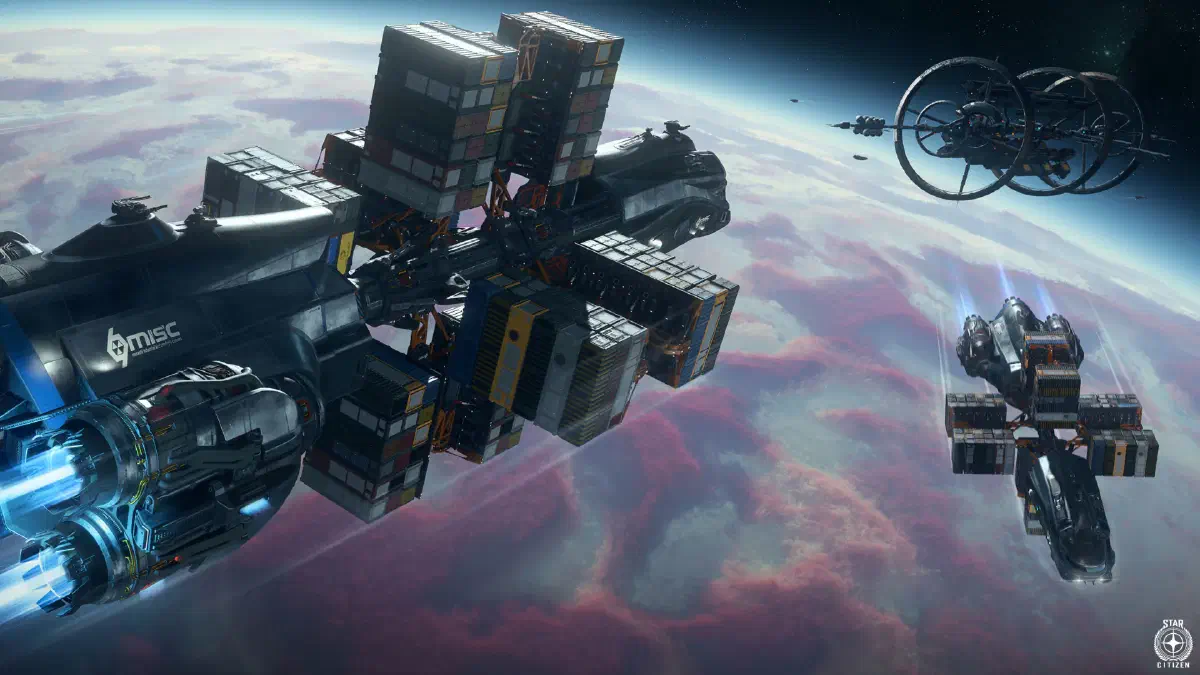
You don’t need fixed missions in your mobiGlas to make money with your freighter. It’s risky, but you can make a lot of aUEC with trading.
The process is simple: buy goods in one place and sell them in another. Hopefully at a much better price! The hard part is actually completing the whole thing without running into pirates, crashing or falling victim to a bug.
Trading isn’t for beginners, because you need a lot of starting capital. The more you invest, the more you can win.
Once you’ve saved up some money and maybe even have a bigger cargo ship waiting for you in the hangar, you’re good to go.
Route planning
I recommend using community trading tools, for example SC Trade Tools. They let you plan your routes and calculate the possible profit. You enter all the factors in the tool, meaning your ship, your starting capital, whether the goods have to be legal and so on. Then the tool calculates your possible routes and you pick one of them.
Never invest all your money in one route. Your ship and the goods can disappear quickly, whether because of pirates, collisions or plain old bugs.
How it works
Once you’ve decided on a route, go to the TDD or another trade terminal at your starting location and buy the goods. You already have to decide how the goods will be packed when you buy them. Choose the biggest containers your ship can carry to make loading easier.
At bigger locations with a personal hangar, you can set your ship as the destination of the transaction right when you buy. Then it gets loaded automatically. That costs a bit of aUEC though and takes longer, so you’ll have to take a short break before taking off. If you want to avoid that and your purchase isn’t too big, choose your local station inventory as the destination.
After buying, pick up your goods at the personal freight elevator in your hangar, or at the publicly accessible freight elevator at public locations, and load them into your cargo ship. You can do that by hand with a Multi-Tool or, for bigger crates, with a MaxLift. If your ship has a well-placed tractor beam, you can of course use that too. For 71,820 aUEC you can also get an ARGO ATLS at many ship dealers. With its strong tractor beam, you place the crates on your grid semi-automatically.
Cargo ships
To haul a large amount of cargo, you need the right hauling ships.
I recommend the ARGO RAFT here, with 194 SCU of cargo space, a central, easily accessible cargo grid and a tractor beam, for about 3,366,560 aUEC.
If you have more money available and are looking for a ship that can also defend itself, go for the RSI Constellation Taurus for about 7,641,650 aUEC. It also has a tractor beam and 174 SCU of cargo space, but adds four size 5 cannons controlled by the pilot. That lets you defend yourself against quite a few threats and even complete bounty missions. Fast and agile enemies with a skilled pilot remain a danger to you, though.
In both ships, you can also take a friend along who takes a seat in a turret and helps you defend your cargo.
In a nutshell
Trading is the best way to grow your wealth. But it always comes with the risk of losing your stake. So always trade with a financial cushion so you can get back on your feet quickly after a loss.
You often trade expensive goods, which makes you a lucrative target for pirates. Always be on your guard against them. With special ships, they can stop you from making a quantum jump, or even pull you out of a jump if you get too close to them.
Tips
- Avoid locations where you see interdiction ships. Use your scanner before you approach.
- Some interceptors, like the Mirai Guardian QI, can interrupt your quantum jump. Try to destroy these ships first so you can get away.
- Try to avoid OM points, pirates like to pick those for an ambush.
- When you jump between two stations, take a small detour. Start a jump off to the side of your route and cancel it shortly after. Only then jump to your destination. That way you get around possible ambushes along the route.
- Most important tip: Never put all your money on the line.
Ship controls keybindings
| Key(s) | Action |
|---|---|
Mouse wheel ⭥ | Change weapon group |
Left click | Fire weapon group |
Right click | Activate precision mode |
H | Launch decoys to fend off missiles |
J | Launch chaff to disappear from the enemy’s radar |
G | Gimbal mode |
T | Target what’s in front of you |
5 | Cycle through hostile targets |
L-Alt + 5 | Target the nearest hostile |
Middle mouse button | Change sub-mode: combat mode, missile mode and scanning mode |
Mouse wheel ⭥ | In missile mode: Change missiles |
G | In missile mode: Change number of missiles |
Left click | In missile mode: Fire selected missiles |
F5 | Increase power to weapons |
F6 | Increase power to engines |
F7 | Increase power to shields |
F8 | Reset power |
⭥ - scroll
Show all keybindings