
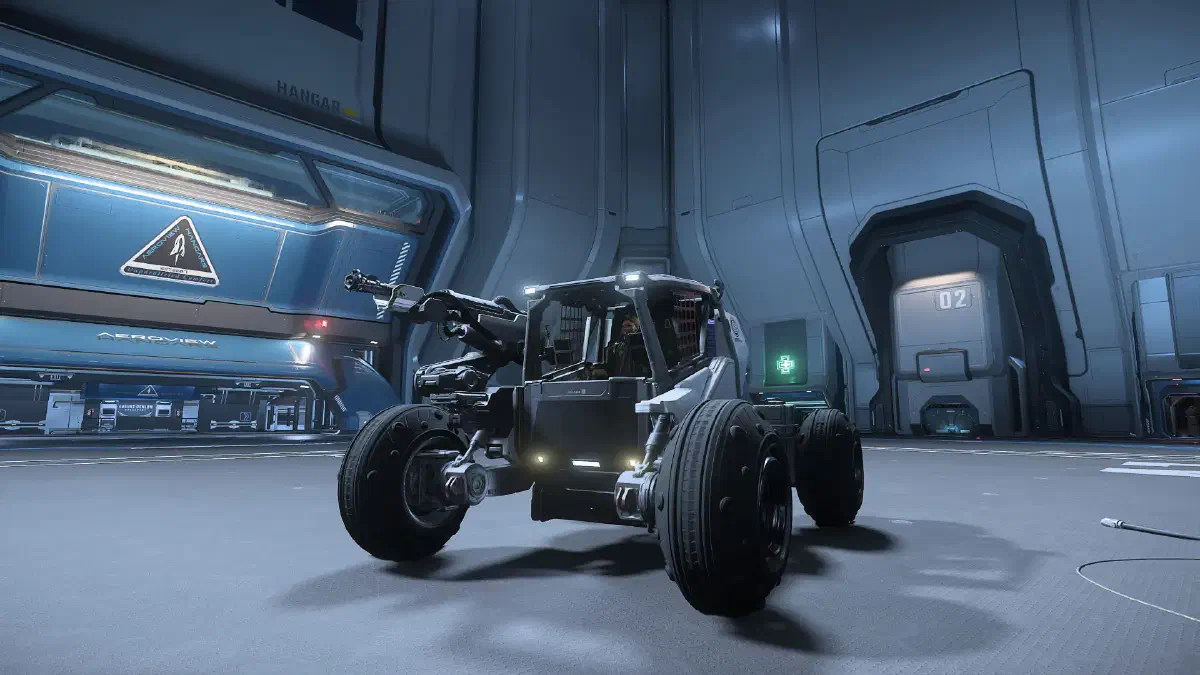
To make mining gems more efficient, you can invest in an upgrade. With a vehicle like the ROC, you mine bigger mining nodes and get more gems. For the small nodes, though, you still need your hand-mining tool. The ATLS GEO can mine both kinds.
Mining vehicle
You have these three options:
You buy an ARGO ATLS GEO. It’s a mech that can mine ore from small but also from medium deposits. You can get it at New Deal in Lorville on Hurston for 86,184 aUEC.
Also at New Deal in Lorville, you can buy a Greycat ROC, which only costs a bit more: 98,753 aUEC
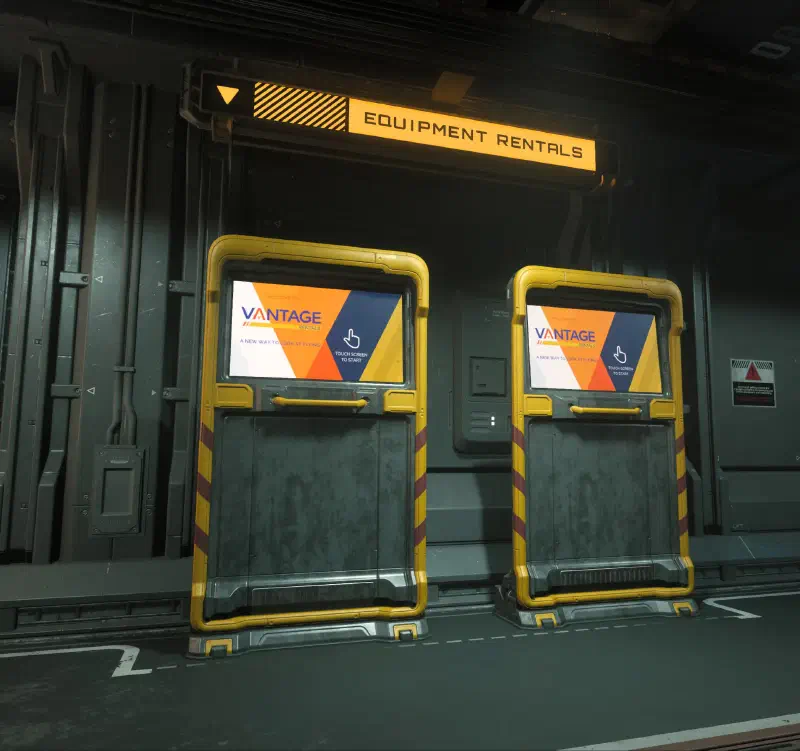
If you don’t have enough money for either of them, you can also rent a ROC. You can do that in the shops on space stations with refineries for about 2,468 aUEC per day.
Now you still need a ship that can carry your miner. After all, you first have to get it to the planets and moons where the ore is waiting for you. The GEO is pretty compact and fits in most ships with a cargo hold.
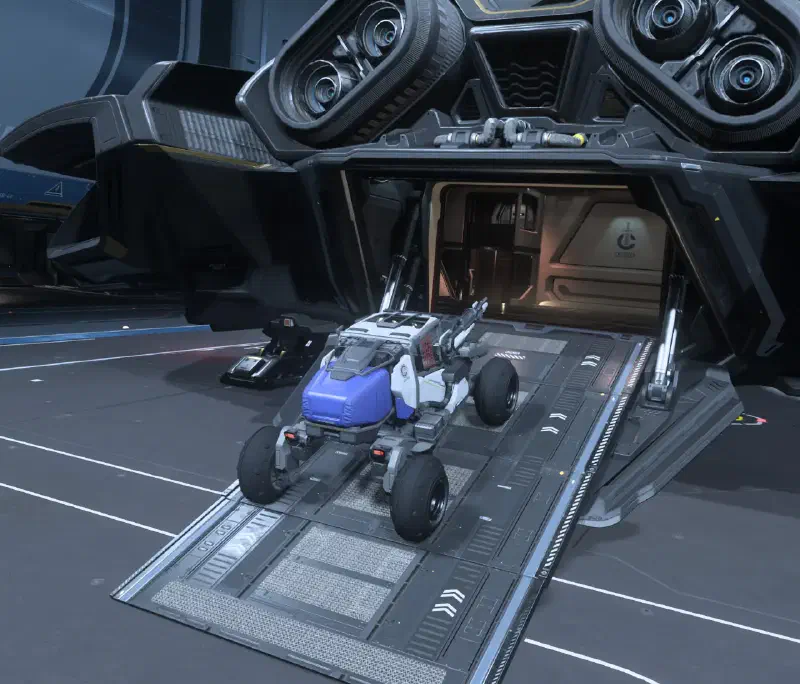
The ROC, on the other hand, is a bit bigger. If you don’t have a suitable ship, you can rent a Cutlass Black right there in a refinery shop.
Accessories
You’ll also find various mining heads for your ROC in the refinery shops.
And while you’re in the shop, pick up spare boxes for the GEO or the ROC too. Then you can swap them out as soon as one is full.
As always: for a longer trip, take something to eat and drink, plus a tractor beam, a weapon and a MedGun or MedPens. When it comes to armor, also keep the temperatures at your destination in mind and bring something suitable.
Loading the vehicle
In your hangar, first bring up your mining vehicle and drive it to the side so it doesn’t go back down when the elevator opens again. Then get your ship.
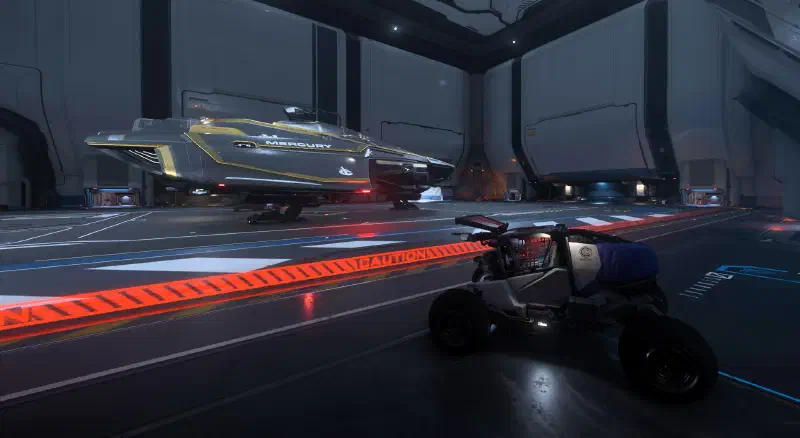
Now you can open the ship and drive the miner inside.
Searching
Fly to a planet or moon of your choice, fly over it and use the Tab key to scan for deposits. You need to look for the smaller ROC rocks, the bigger ones are for ships like the Prospector or the Mole.
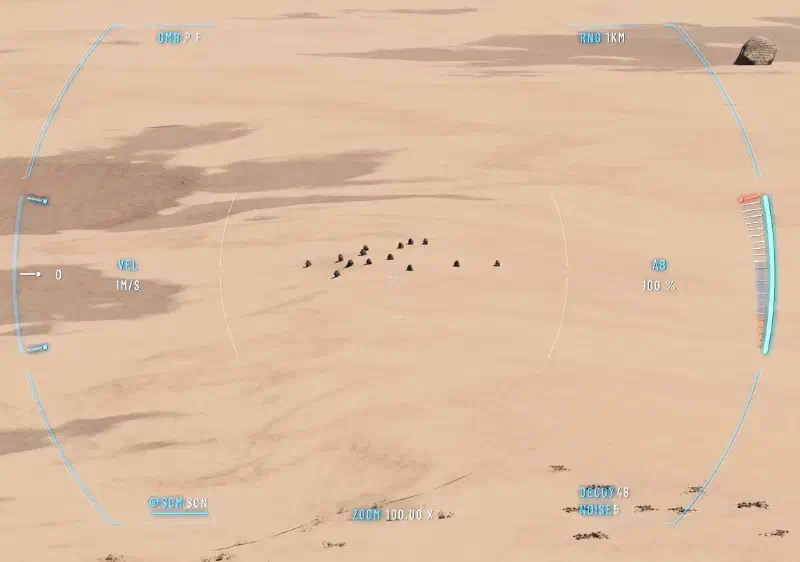
The quickest way to tell the rocks apart is by their distance from each other. ROC rocks usually show up in small groups, packed very close together. After a few clusters you’ll quickly get the hang of it.
Mining
Land near a suitable group of rocks and drive your vehicle out. Press M to switch to mining mode. Your vehicle scans the rock you’re aiming at and shows information about it, including your current and the optimal distance to the rock. Adjust your distance so that you’re at the optimal range from the rock and can see as many rocks as possible at once.
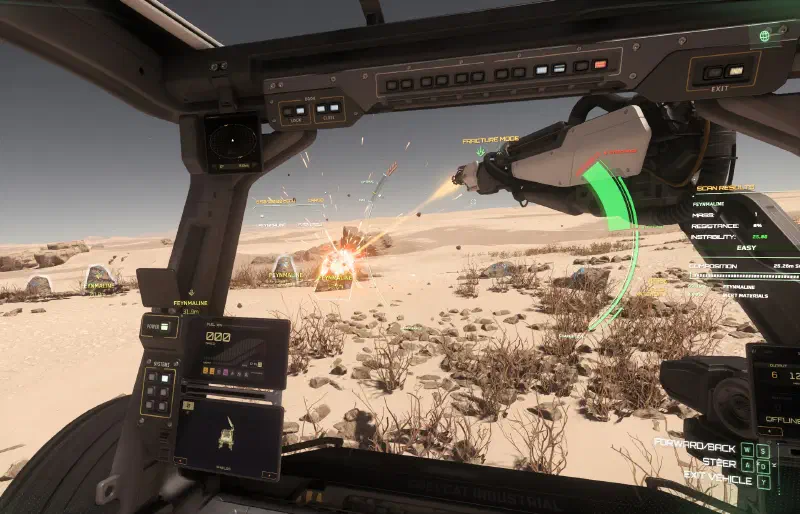
Start the laser with Left click and control its power level with the Mouse wheel. Just like with hand mining, you now have to keep the rock’s energy gauge in the green zone. Keep doing that until the rock breaks apart and releases the gems.
If you’re in the red zone, turn the laser off completely with Left click to bring the bar back down quickly. If the red bar fills up, the rock blows up in your face, injures you and damages your vehicle.
The ATLS GEO can mine both the small hand-mining nodes and the bigger ROC rocks. To do so, switch between low and high mode with L-Alt + 4.
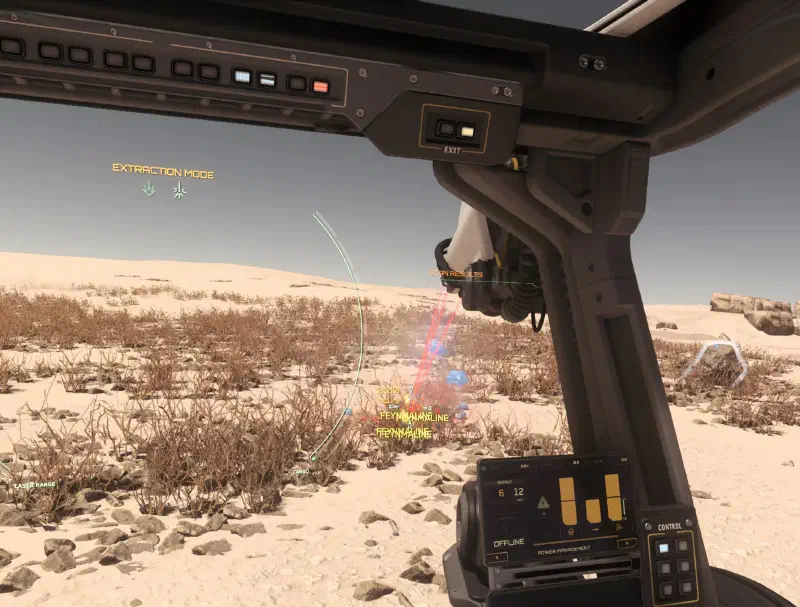
Once you’ve broken your rock, switch to extraction mode with L-Alt and the left mouse button. One Left click, and your laser sucks up the loose gems.
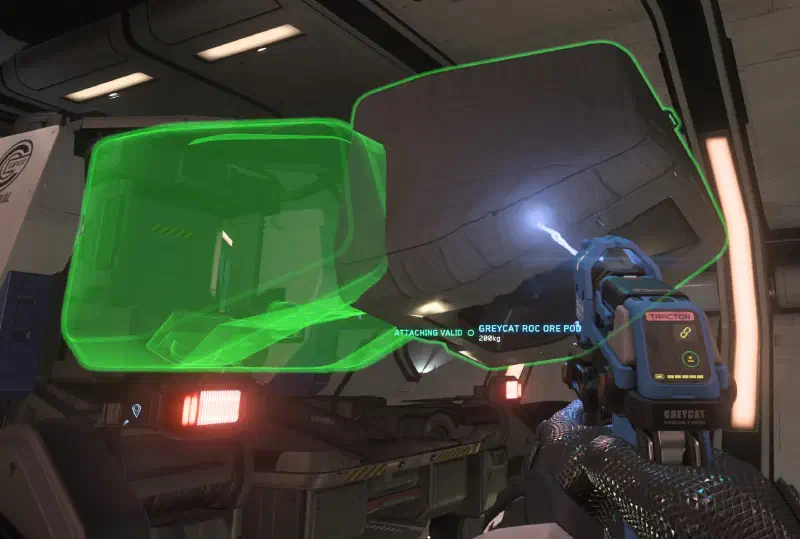
If your storage is full and you’ve bought spare ROC boxes, you can swap them to keep collecting ore. To do that, you first have to open the ports from the driver’s seat. You can do that via the action menu or with the key combination R-Alt + K.
Then walk up to the ROC from behind and press the Deploy button with F. Now you can take off the full box with a tractor beam and attach the empty one.
And when you’ve got enough, park your vehicle back in your ship and head home.
Selling
You can now sell the rocks directly. Use SC Trade Tools to find all possible buyers for them and fly to one of them.
Keybindings
| Key(s) | Active mode | Action |
|---|---|---|
Tab | Send out a scan pulse to survey your surroundings | |
V | Activate scanning mode | |
Mouse wheel ⭥ | Scan | Narrow or widen the forward scan angle |
M | Toggle mining mode | |
Mouse wheel ⭥ | Mining | Laser power up/down |
Left click | Mining | Activate laser |
L-Alt + Left click | Mining | Switch laser type between fracturing and extraction |
L-Alt + 4 | ATLS GEO | Switch between high and low mode to collect hand-mining and ROC-mining rocks |
⭥ - scroll
Show all keybindings