
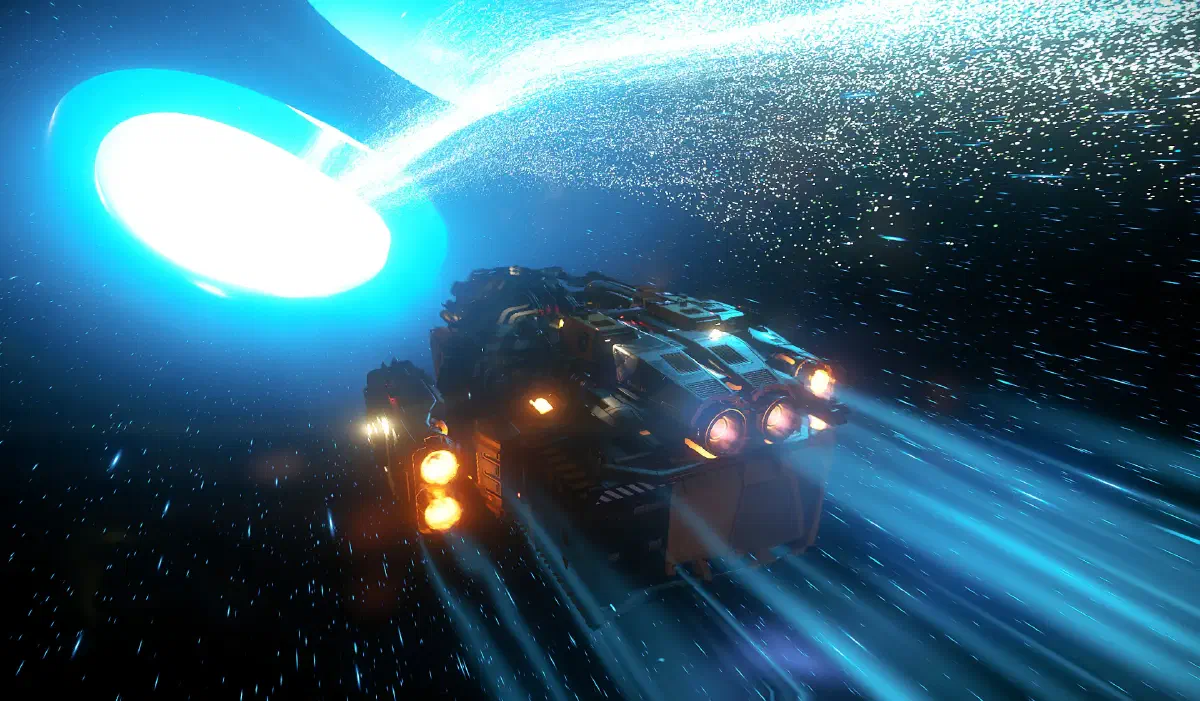
There are now three star systems in Star Citizen. To travel between them, you have to use jump points.
Overview
When you open the map with F2, zoom all the way out to see all the star systems. Right now they’re Stanton, Pyro and Nyx.
You’ll find the jump points themselves on the map under the name Gateway.
Next to every jump point there’s a station where you can refuel before or after the jump. You’ll need to, because every jump uses up a large amount of quantum fuel.
In Star Citizen, jump points can only ever be traveled in one direction at a time. Like at roadworks traffic lights, you sometimes have to wait until oncoming traffic has passed before you can open the jump point from your side. But then all the waiting ships can fly through one after another.
How it works
- 1
Find the gateway on the map
Find the right gateway on the map.
Gateways always have the name of the destination system in their name. Stanton, for example, has two working gateways: Pyro Gateway and Nyx Gateway.
- 2
Fly to the gateway
Fly to your gateway. - 3
Refuel
Land at the station and refuel if you need more quantum fuel. I’d want at least 50 % for the jump. You never know what’s waiting for you on the other side. You might have to jump onwards right away and can’t go looking for a fuel station first.
There’s also an occasional bug where you end up back in the starting system after the jump. In that case you can just try again straight away.
- 4
Locate the jump point
If you haven’t already, switch to NAV QT mode withBand look for a green marker labeled Jump Point Detected. - 5
Approach
Approach the jump point.
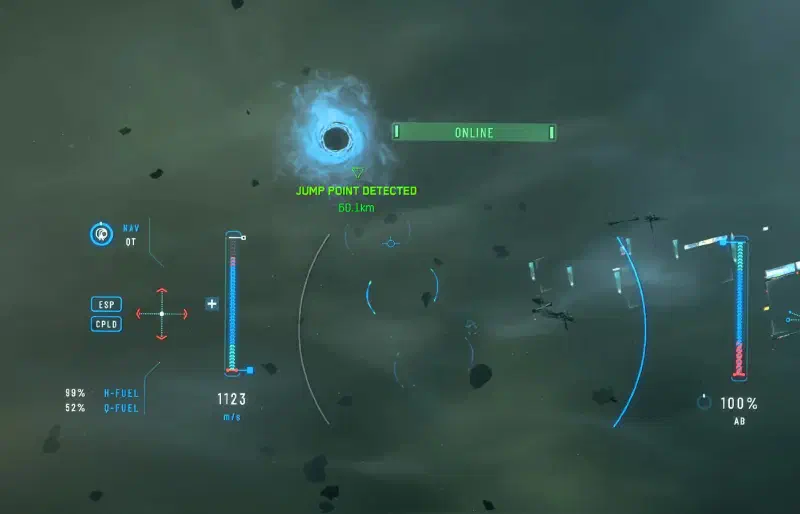
Approaching a jump point - 6
Calibrate
Wait until your ship has calibrated. That takes a few seconds. - 7
Open the jump point
If the jump point is still closed and it says Activate Jump Point at the top, you can open it with aLeft click. - 8
Wait
Now you wait. All the waiting ships are automatically pulled into the jump point one after another.
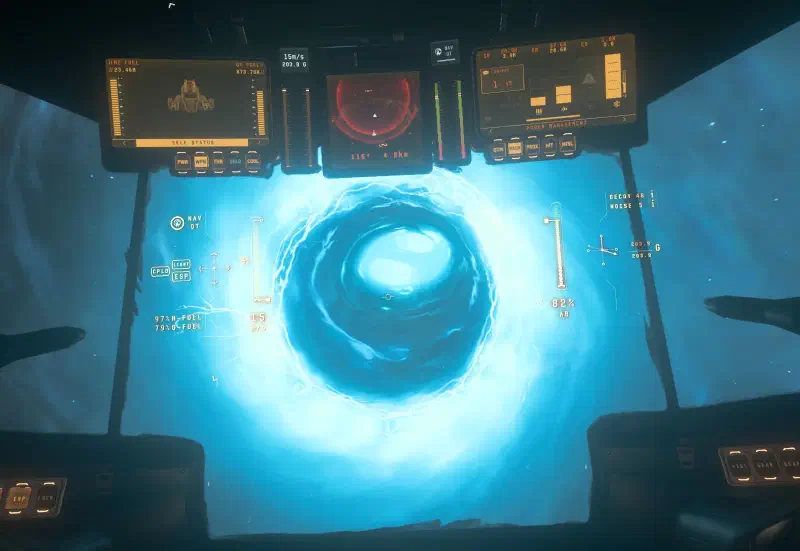
Flying in happens completely automatically - 9
Through the tunnel
In the tunnel you have to dodge all the obstacles. Use the mouse and the strafe keys (
ADSpaceandL-Ctrl) for that. Your speed is fixed and can’t be changed.

If you take too much damage, you get thrown out of the tunnel and end up somewhere in one of the two systems with a damaged ship.
- 10
Destination reached
Reach the end of the tunnel.
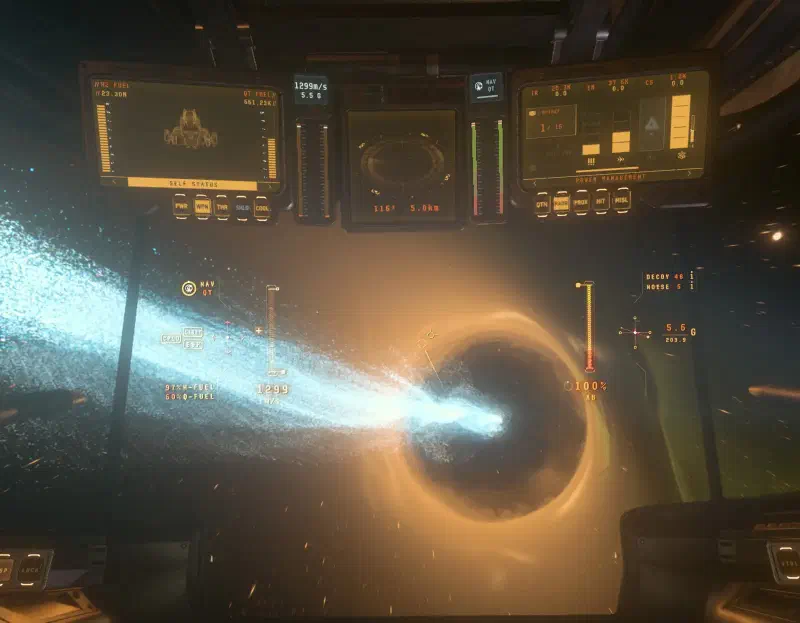
The tunnel exit in the destination system You have reached your destination.