

Approach
If you want to fly to a planet, the easiest way is to select the name of the city as your destination in the mobiGlas.
To do that, press F2 and type the name into the Search Locations field at the top left, for example Orison. Click Route to set your destination, and you’ll also see whether you have enough quantum fuel for it.
Or you fly to the planet directly. To do that, look for your destination in NAV QT mode. Planets are shown as full circles.
Once you’ve arrived at the planet, look for the QT marker on the surface that shows a pentagon. That’s the planet’s main landing zone. Then jump there.
Spaceports
Once you’ve arrived at the capital, you have to find the spaceport. That’s the hardest part, since the cities are very big. And for once, night time gives you an advantage here, because the spaceports have one or more bright flashing lights.
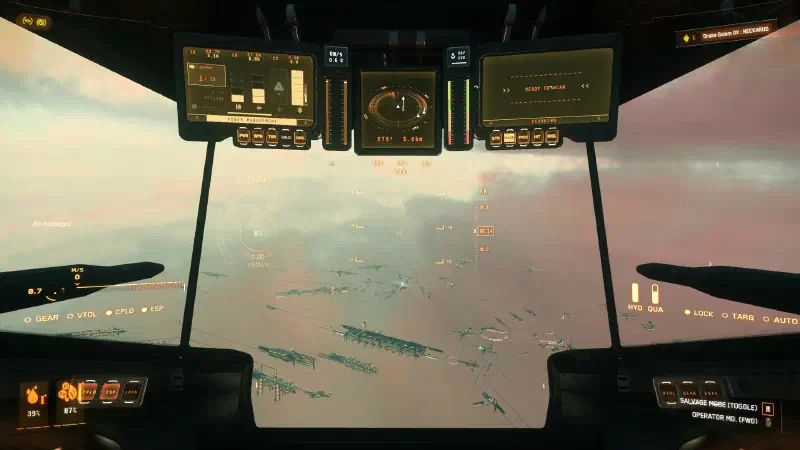
Orison
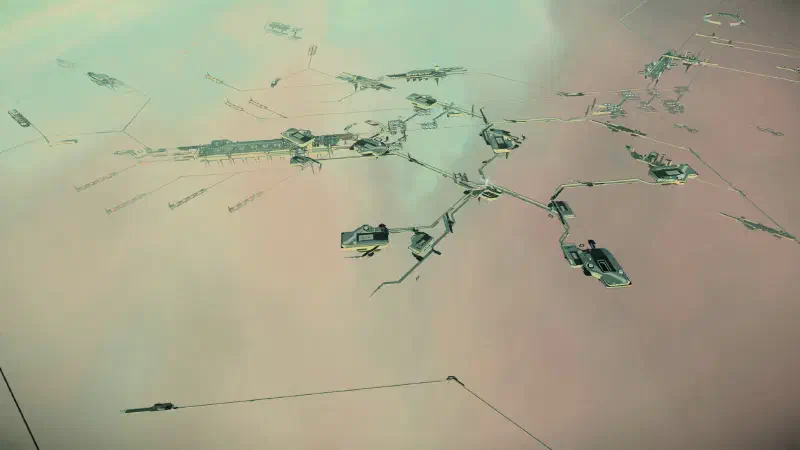
On Orison, look for this star-shaped structure. You can see it from far away. Fly towards it.
Area 18
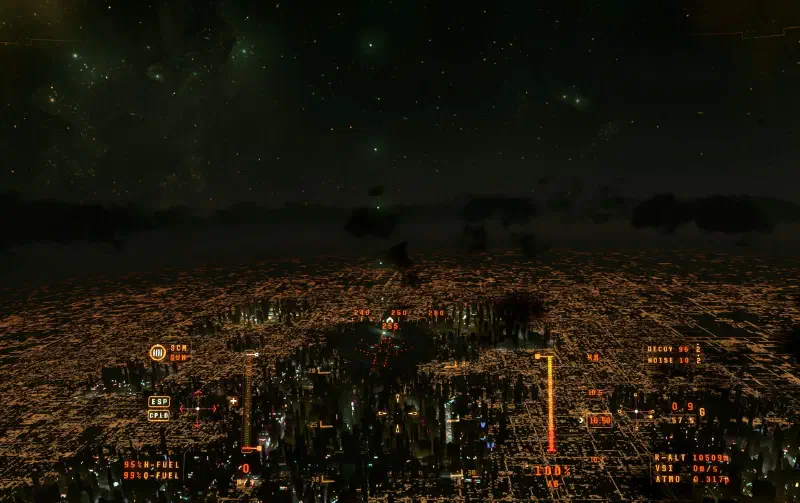
In Area18 you’ll see this red-glowing takeoff and landing area, especially at night. It’s not just one light glowing here, but lots of bright lights forming a vertical line at the spaceport.
Space stations
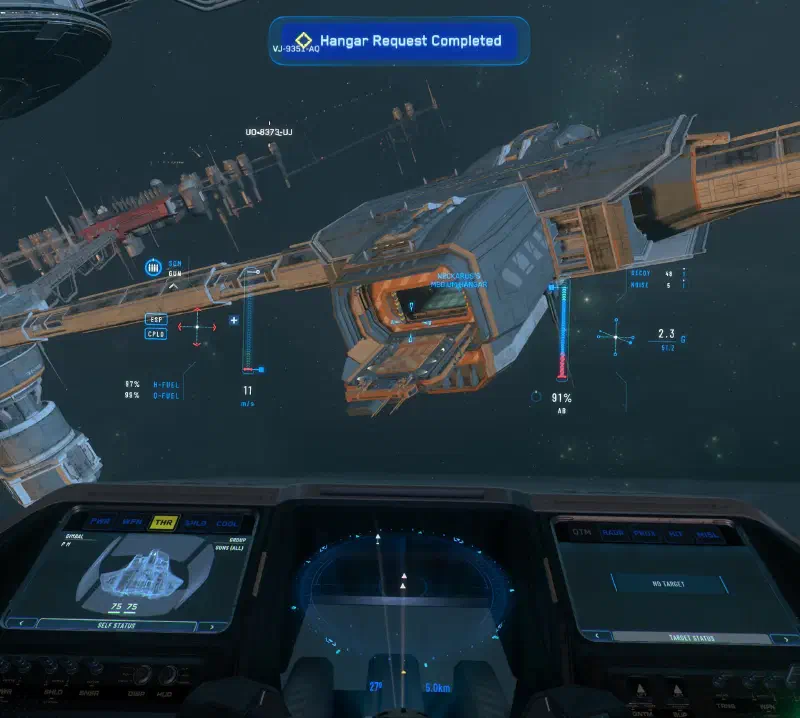
Stations aren’t that difficult, you only have to get roughly close to them.
Landing
- 1
Approach the landing site
Fly to the landing site in NAV mode. - 2
Turn off NAV mode
About 5 to 10 km before, hold the
Bkey to turn off NAV mode. That should slow you down.In space, you generally brake a bit earlier, since there’s no atmosphere to help you slow down.
- 3
Slow down
If you’re still too fast, useXto brake with the help of your afterburners. - 4
Request landing clearance
When you’re only a few kilometers from the landing station, pressL-Alt+Nto get landing clearance. - 5
Wait for confirmation
You’ll hear a short greeting from the ground crew and the message Hangar Request Completed appears at the top. - 6
Find the hangar marker
Look for a marker labeled [Your Name]’s Hangar. - 7
Approach slowly
Fly slowly towards this marker, at about 100 to 150 m/s to start with, bigger ships rather slower. Once you can judge your ship better, feel free to go faster. - 8
Extend landing gear
When you’re in front of it, press
Nto extend your landing gear.That also limits your maximum speed to 30 m/s.
If you still want to fly a bit faster, you can briefly tap the
L-Shiftkey. That ignores this limit. - 9
Touch down
Fly in and set your ship down.
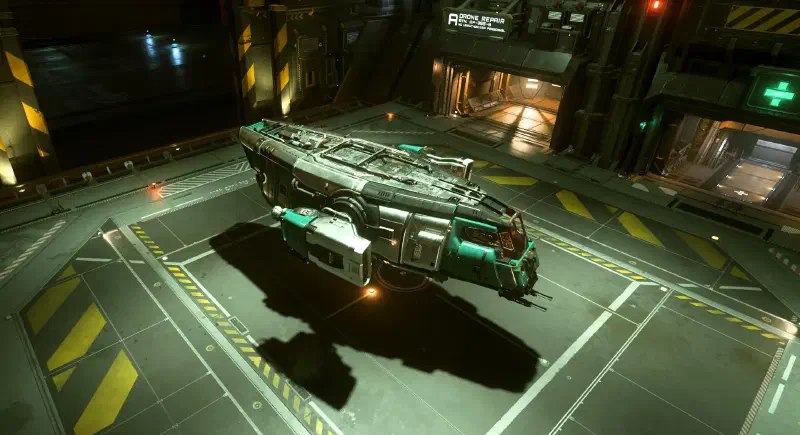
Slightly damaged, but arrived in one piece Tip: Hold the
Nkey and your ship lands automatically. - 10
Turn off engines
PressIto turn off the engines. - 11
Use landing services
Now you can open your mobiGlas and use the Landing Services there to refuel and repair your ship.
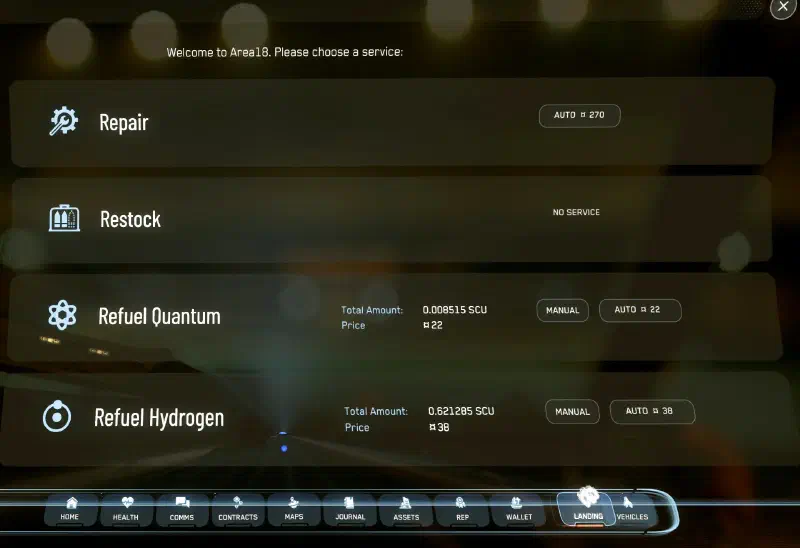
A bit of fuel and minor repairs needed - 12
Get out
Finally, leave your pilot seat withY.