
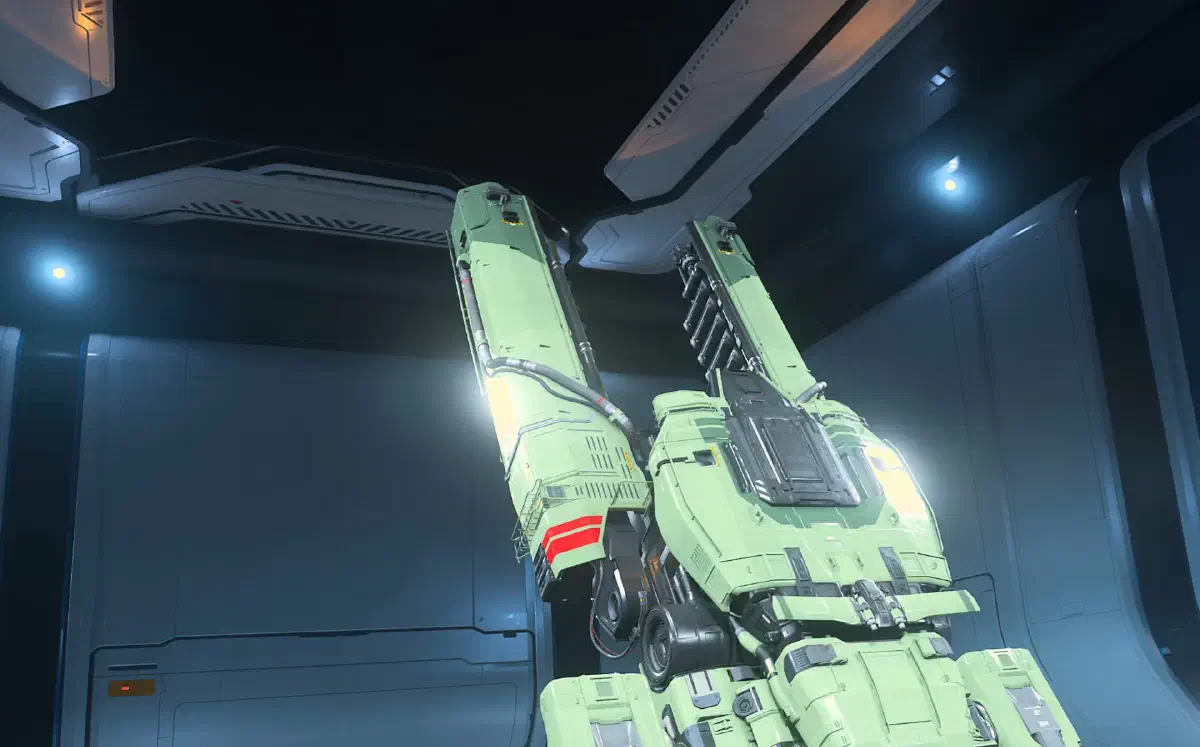
As soon as you log into the game for the first time, you spawn in the hangar of your starting location. On later logins at this location, the game lets you in here as well.
And right in front of you, you’ll see an ASOP terminal.
Getting your ship
- 1
Open the ASOP terminal
Walk up close to the ASOP terminal and press
Fto see your spaceships and vehicles.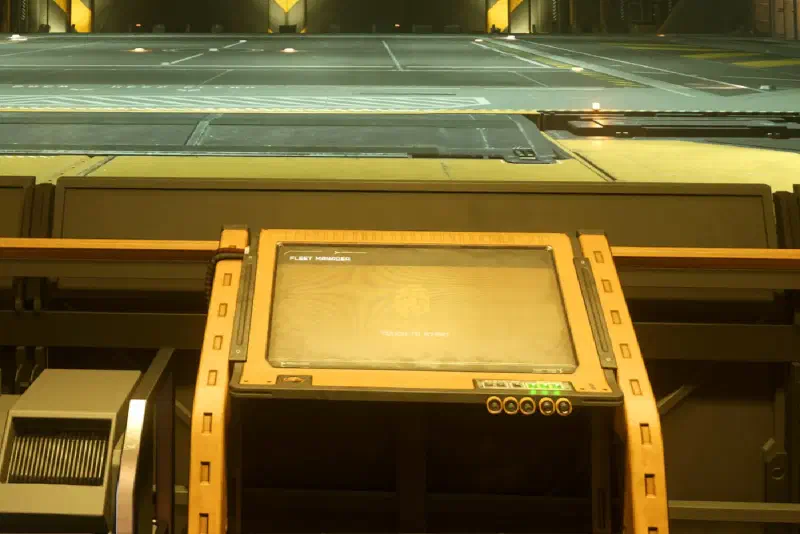
ASOP terminal in your hangar - 2
Check the ship status
Here you can also see the status of your ships.
On your first start and after every patch, all your ships are Deliverable. That means no matter where you are, you can call this ship straight to your current location. To do so, click Deliver to the right of your ship.
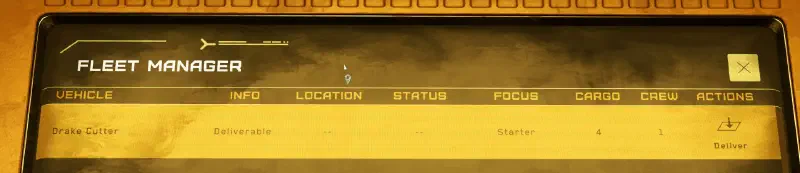
Your ship’s status After that, your ship is Stored at this location. If it gets destroyed later or is at another location, you can bring it back to you the same way with the Claim button. That takes a certain amount of time, though, about 5 minutes for starter ships.
If the ship’s status is Stored, you can have it delivered to the hangar with the Retrieve button.

Get your ship with a click on Retrieve - 3
Wait for the ship
Your ship is now brought into the hangar. Stay behind the holographic barrier until it’s there.
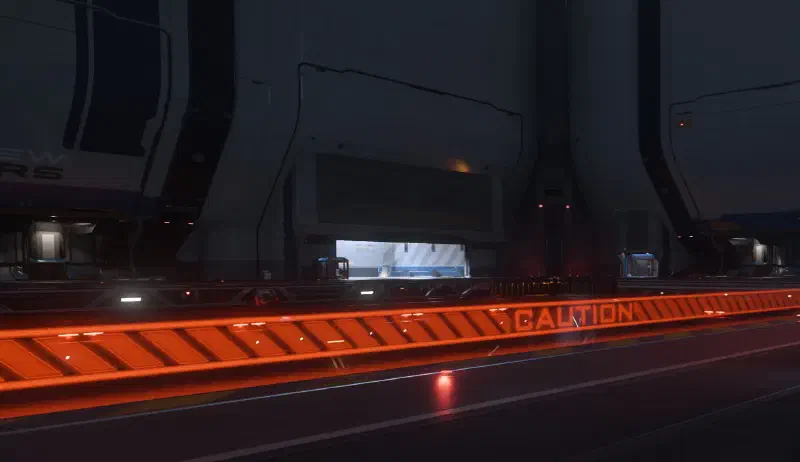
Your spaceship is raised into the middle of the hangar - 4
Get in
Walk up to your spaceship. Depending on the model, you get in either at the front by the cockpit or through a door or an elevator. Either way, look for a button near the door and use the
Fkey to open your spaceship and get in.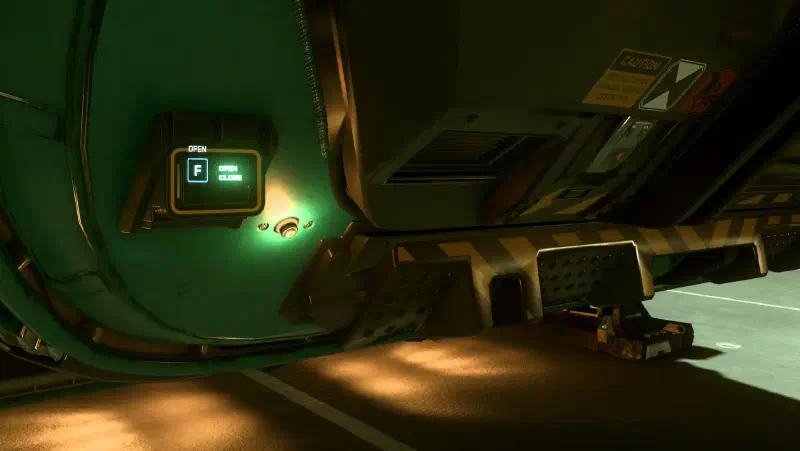
Open your spaceship and get in - 5
Take the pilot seat
Now head to the cockpit and press
Fagain to take a seat in the pilot seat.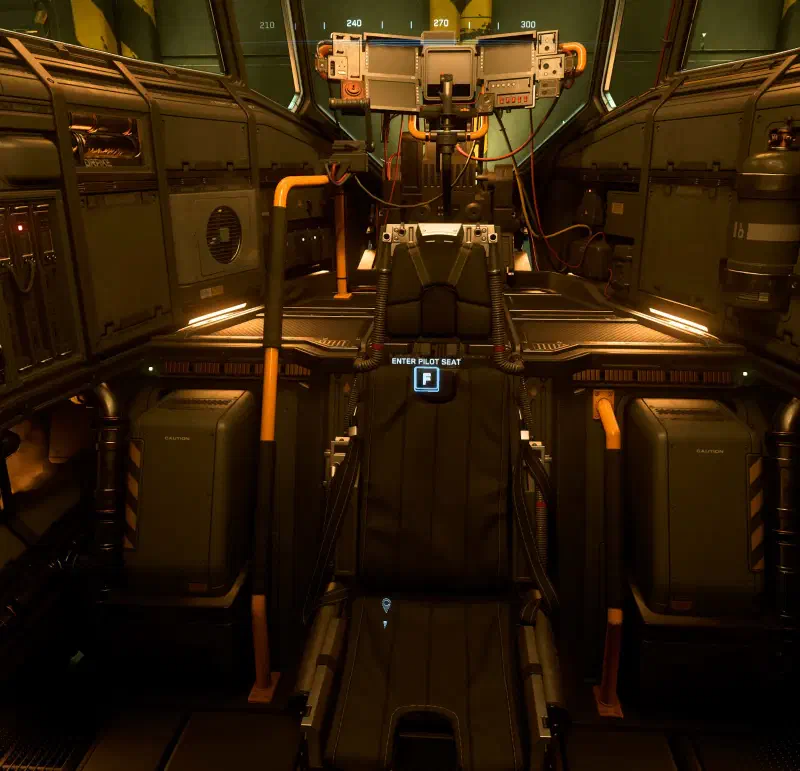
Take a seat in the pilot seat
In the cockpit
Now you’re at the controls and want to take off.
- 1
Power up the ship
PressUto power up your spaceship. - 2
Turn on engines
Press
Ito turn on your engines.After a short moment, tap
Spaceto lift your spaceship off the ground. - 3
Request takeoff clearance
Press
L-Alt+N. That requests takeoff clearance. If your spaceport is busy, you sometimes end up in a queue for takeoff. If not, your hangar door opens right away.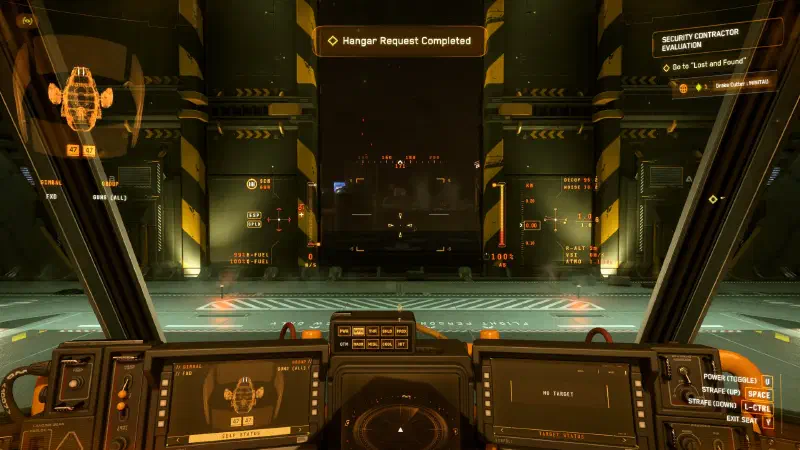
Wait for the door to open, then you’re good to go - 4
Leave the hangar
Now carefully fly out of your hangar. Different hangars open upwards or to the front. - 5
Retract landing gear
Once you’re out of the hangar, pressNto retract the landing gear. That also lifts your 30 m/s speed limit, and you can fly at full speed. - 6
Use the afterburner
Use your afterburner with
L-Shiftto get away from the planet faster.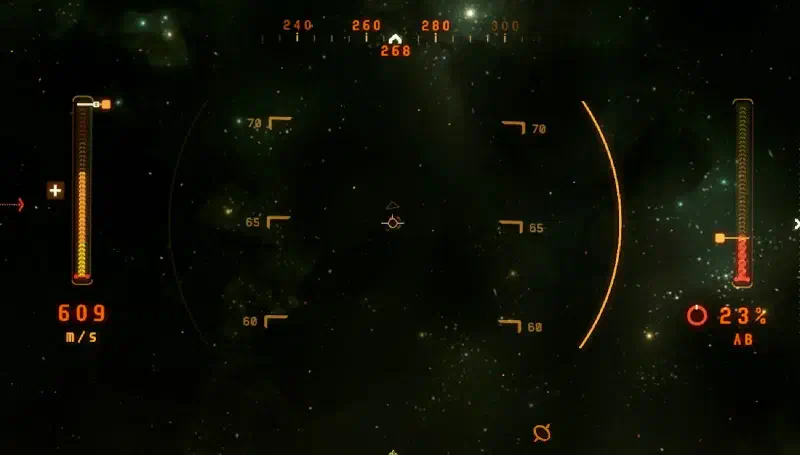
The numbers in the middle show your pitch. 90 would be straight up. - 7
Switch to NAV mode
Hold theBkey to switch to NAV mode. That makes your spaceship fly even faster, but also turns off your shields. So only do it in safe situations. - 8
Out of the atmosphere
In NAV mode you can do quantum jumps, but not in the lower atmosphere. So aim upwards and hit the throttle with
W.If you don’t want to hold
Wall the time, pressL-Alt+C. That turns cruise mode on and off. You set your desired speed withWandS, and the spaceship tries to hold it.