
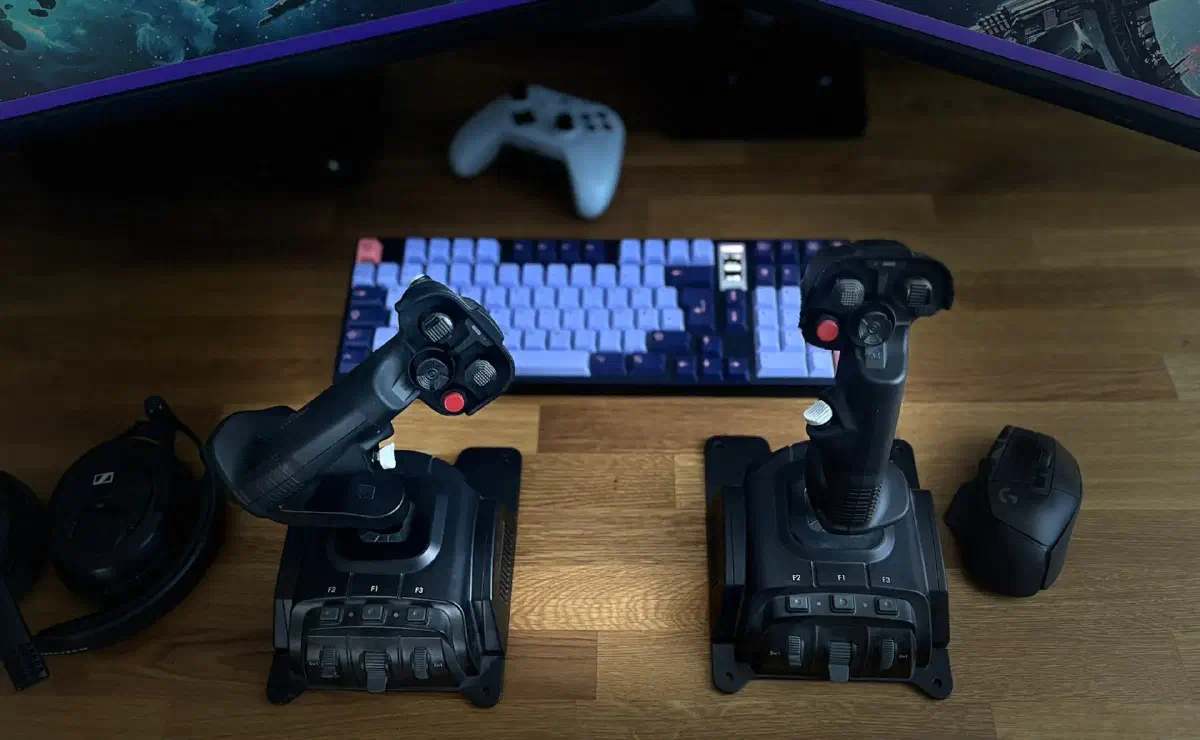
Mouse and keyboard
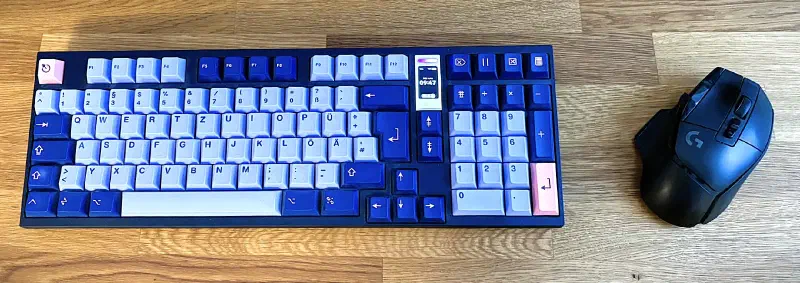
Classic mouse and keyboard controls are also well suited for flying ships. The developers know very well that this is the most common way to play, and they put effort into making the controls work as well as possible with it.
Pros
- No switching between devices when you go from flying to FPS combat.
- Takes up less space on your desk.
- The cost is very low.
Cons
- Imprecise control: thrusters run either at full power or not at all.
- Not particularly immersive, if that matters to you.
Analog keyboard
Analog keyboards measure exactly how far each key travels. That lets you set the actuation point individually.
If you want a key to react quickly, you set the point higher. Then only a short press is needed to trigger the key. If you keep hitting a key by accident, you set the point lower. The key then triggers later, which can reduce typos.
A single key can even trigger two different actions. The first, for example, when you press the key down one millimeter, and the second from three millimeters.
But for Star Citizen, the more interesting ability of these keyboards is analog input. You can define individual keys as analog input. The keyboard is then recognized as a joystick and passes on the input analog.
So if you want to walk slowly, you press the key lightly. The deeper you press it, the faster your character runs. The same of course goes for your spaceship. With the analog keys you can meter your thrust precisely and take off and land smoothly or perform other maneuvers.
Pros
- Precise control of the ship is possible, the thrusters can give any thrust between 0 and 100 %.
Cons
- More expensive than regular keyboards.
- Only a few manufacturers and models on the market (Wooting, Razer and a few more).
Joysticks
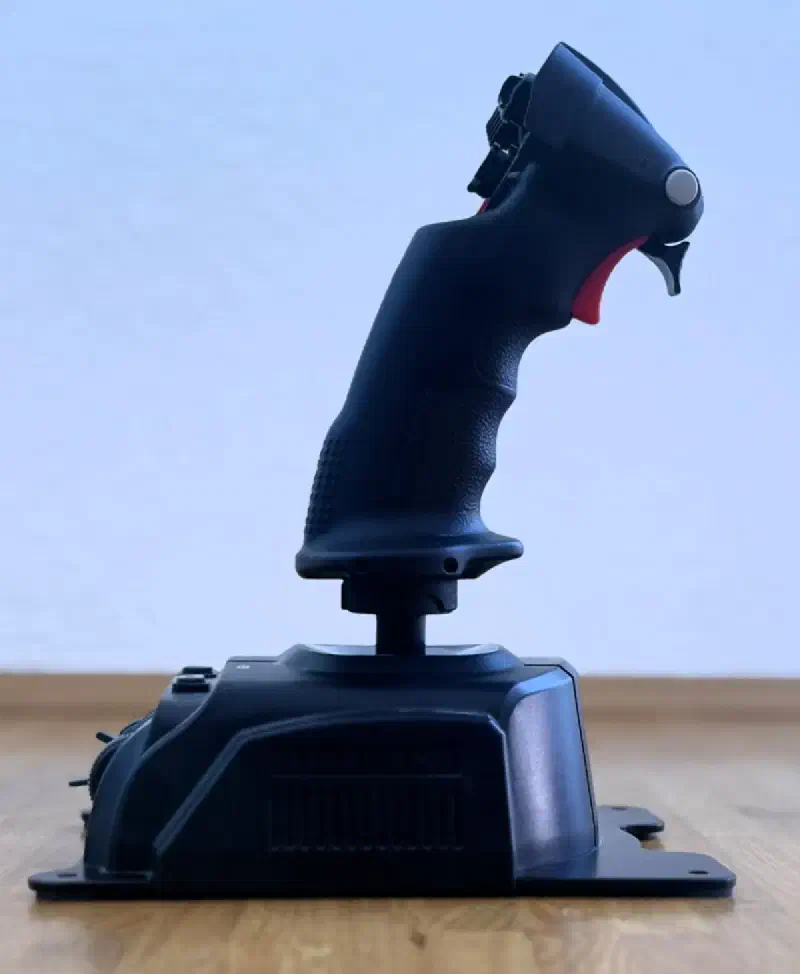
If you want to fully immerse yourself in the game, you need the right controllers. And there’s a lot to choose from here: joysticks, throttles, pedals and more. You can combine everything however you like. Here are the most common combinations:
HOTAS (Hands On Throttle And Stick): Joystick on the right, throttle on the left, or the other way round. This is probably the most immersive setup. Like a true pilot, you steer your cargo ship through the asteroid fields.
HOSAS (Hands On Stick And Stick): Two joysticks, one in each hand. You control movement with one and rotation with the other. That’s a good combination for flying a fighter fast and always staying a step ahead of your target.
HOSAM (Hands On Stick And Mouse): The setup some PvP players prefer. Stick on the left, mouse on the right. That gives you the freedom of movement of the joystick and the precision of a mouse.
Pedals: To move a spaceship in three-dimensional space, you need three directions of movement and three axes of rotation. To map that onto two joysticks, each of them needs three axes. The third axis of a joystick is twisting the grip. Since it isn’t always intuitive to twist the joystick for up or down, for example, some pilots prefer to add pedals. It’s often said that your aim improves noticeably if your right hand only controls up-down and left-right. The pedals then take over the third axis.
Pros
- Precise control of every movement.
- Very immersive.
Cons
- Depending on the setup and model, it can get very expensive.
- Takes a lot of practice if you’ve only played with mouse and keyboard so far.
- You constantly have to switch between the sticks and mouse and keyboard when you get up from the pilot seat.
Other
There’s even more hardware that makes controlling the game easier or expands it.
Head tracking
Your head movement is tracked by a camera or sensors and transferred into the game. So you can look around independently of where your ship is pointing and keep the enemy in view. You turn your head, lock onto an enemy and fire missiles at them without changing your flight direction.
(Virtual) button box
There are boxes with buttons and switches that perform certain actions. Landing gear, lights, self-destruct and much more can be operated intuitively and immersively with them.
With a special app, you can also turn your smartphone or tablet into a control unit like that. Then you control your ship via touch panels.
These are nice and very immersive additions to your gaming experience, but not really necessary. Lots of Citizens also try their hand at various DIY versions.
Verdict
It’s a huge field, and it takes a lot of time to get your head around it. You can spend a fortune on good joysticks, pedals, matching desk mounts and much more.
But here too, I’d advise you not to go all in right away and sell a kidney for it. Keyboard and mouse are very good controllers and are being supported better and better. For example, acceleration is no longer set to one hundred percent immediately, but ramps up slowly. Lots of PvP players rely on this way of controlling too, because the precision of a mouse remains unbeaten.
But if you want more immersion and have the spare cash for it, then sure, why not.